question 23\n2.5 points\nwhen moving or copying data from one cell to another, in order to maintain the…
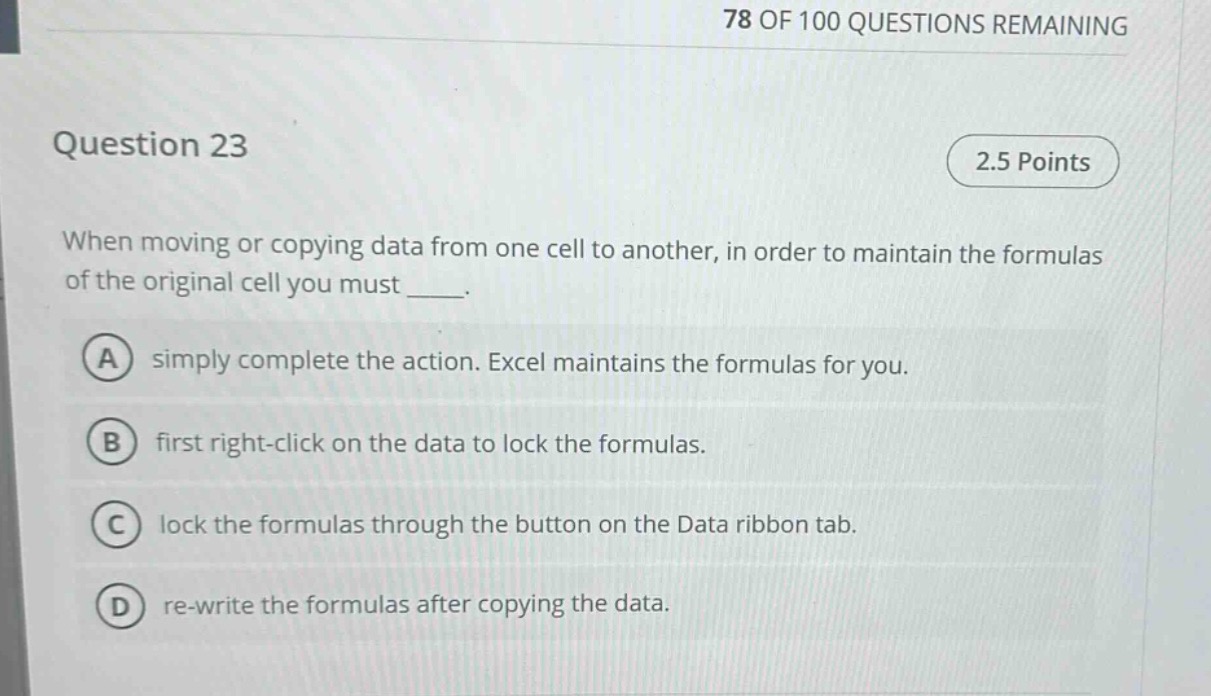
question 23\n2.5 points\nwhen moving or copying data from one cell to another, in order to maintain the formulas of the original cell you must ____.\na simply complete the action. excel maintains the formulas for you.\nb first right - click on the data to lock the formulas.\nc lock the formulas through the button on the data ribbon tab.\nd re - write the formulas after copying the data.
Answer
Brief Explanations:
In Excel, when moving or copying data, by default, Excel adjusts cell - references in formulas relative to the new location. To maintain the original formulas (i.e., use absolute references), you need to lock the formulas. Right - clicking on the data is not the correct way to lock formulas. There is no formula - locking button on the Data ribbon tab. Re - writing formulas after copying is inefficient. Simply completing the action will not maintain the original formulas as Excel will adjust them by default.
Answer:
None of the above options are correct. In Excel, to maintain formulas when moving or copying data, you should use absolute cell references (by adding a $ sign before the column letter and/or row number in the formula) or use the F4 key to toggle between relative, absolute, and mixed references.