question 4: match each quickbooks user interface element with its description.\n+ new menu\ntop - right…
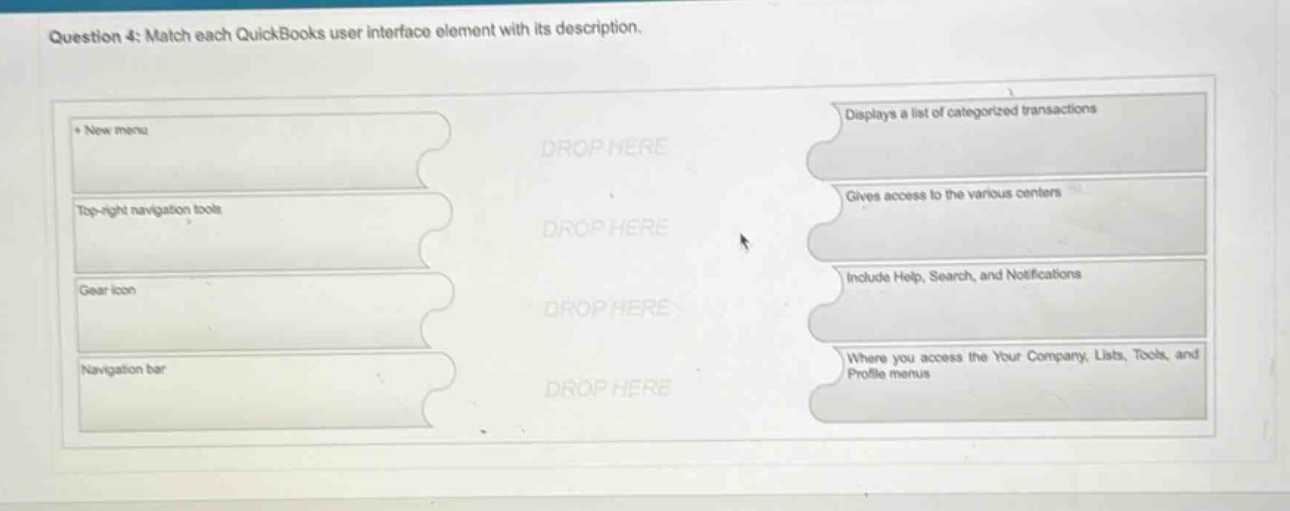
question 4: match each quickbooks user interface element with its description.\n+ new menu\ntop - right navigation tools\ngear icon\nnavigation bar\ndisplays a list of categorized transactions\ngives access to the various centers\ninclude help, search, and notifications\nwhere you access the your company, lists, tools, and profile menus
Answer
Brief Explanations:
The + New menu is used to create new transactions, so it doesn't match any of the given descriptions. The top - right navigation tools give access to various centers. The gear icon includes Help, Search, and Notifications. The navigation bar is where you access the Your Company, Lists, Tools, and Profile menus. There is no element that directly matches "Displays a list of categorized transactions" among the ones provided.
Answer:
- New menu: No match Top - right navigation tools: Gives access to the various centers Gear icon: Include Help, Search, and Notifications Navigation bar: Where you access the Your Company, Lists, Tools, and Profile menus