how can a user remove or delete a pivottable?\nselect the pivottable and click clear all in the actions…
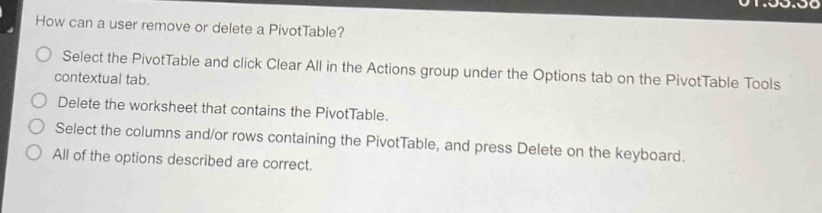
how can a user remove or delete a pivottable?\nselect the pivottable and click clear all in the actions group under the options tab on the pivottable tools contextual tab.\ndelete the worksheet that contains the pivottable.\nselect the columns and/or rows containing the pivottable, and press delete on the keyboard.\nall of the options described are correct.
Answer
Brief Explanations:
- Selecting the PivotTable and using 'Clear All' in the 'Actions' group under the 'Options' tab on the PivotTable Tools contextual tab clears the data and layout within the PivotTable.
- Deleting the worksheet that contains the PivotTable removes the PivotTable as it is part of that worksheet.
- Selecting the columns and/or rows containing the PivotTable and pressing 'Delete' on the keyboard also removes the PivotTable. So all options are valid ways to remove or delete a PivotTable.
Answer:
D. All of the options described are correct.