walt has selected data in a worksheet and inserted a chart. however, the chart is inserted right on top of…
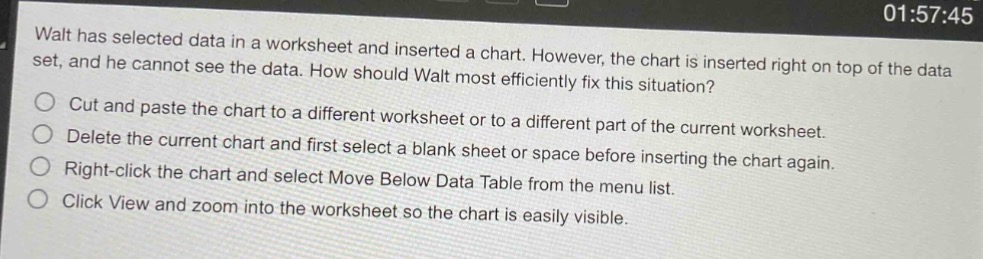
walt has selected data in a worksheet and inserted a chart. however, the chart is inserted right on top of the data set, and he cannot see the data. how should walt most efficiently fix this situation?\ncut and paste the chart to a different worksheet or to a different part of the current worksheet.\ndelete the current chart and first select a blank sheet or space before inserting the chart again.\nright - click the chart and select move below data table from the menu list.\nclick view and zoom into the worksheet so the chart is easily visible.
Answer
Answer:
Cut and paste the chart to a different worksheet or to a different part of the current worksheet.
Brief Explanations:
Moving the chart to another location (either another worksheet or elsewhere on the current one) is the most straightforward way to make the data visible again without having to recreate the chart or make viewing - related adjustments that don't solve the overlay issue.