38 multiple choice 1 point c.2.2 you are establishing a new security policy and want to make sure that if a…
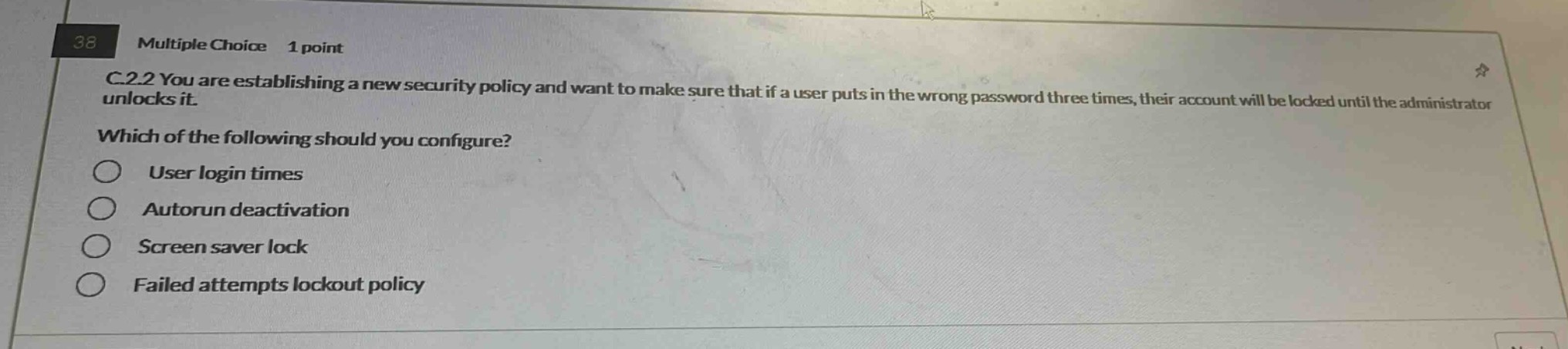
38 multiple choice 1 point c.2.2 you are establishing a new security policy and want to make sure that if a user puts in the wrong password three times, their account will be locked until the administrator unlocks it. which of the following should you configure? user login times autorun deactivation screen saver lock failed attempts lockout policy
Answer
Brief Explanations:
User login times control when a user can log in. Autorun deactivation disables automatic - running of programs. Screen saver lock locks the screen after inactivity. A failed attempts lockout policy locks an account after a set number of incorrect password attempts, which is what is needed here to lock an account after three wrong password entries.
Answer:
Failed attempts lockout policy