after adding an email account, how do you switch accounts to send a message?\nclick the options tab, click…
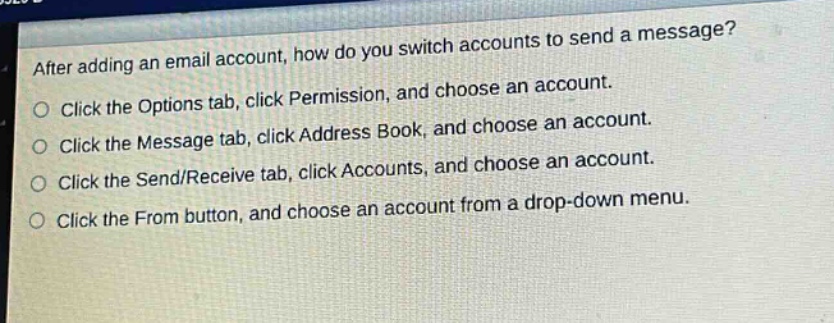
after adding an email account, how do you switch accounts to send a message?\nclick the options tab, click permission, and choose an account.\nclick the message tab, click address book, and choose an account.\nclick the send/receive tab, click accounts, and choose an account.\nclick the from button, and choose an account from a drop - down menu.
Answer
Brief Explanations:
In most email - client applications, to switch accounts to send a message, you click the From button and select an account from the dropdown menu. This is a common user - interface operation for managing multiple email accounts.
Answer:
Click the From button, and choose an account from a drop - down menu.