analyzing ways to change column width\nwhat are some ways to change column width? check all that…
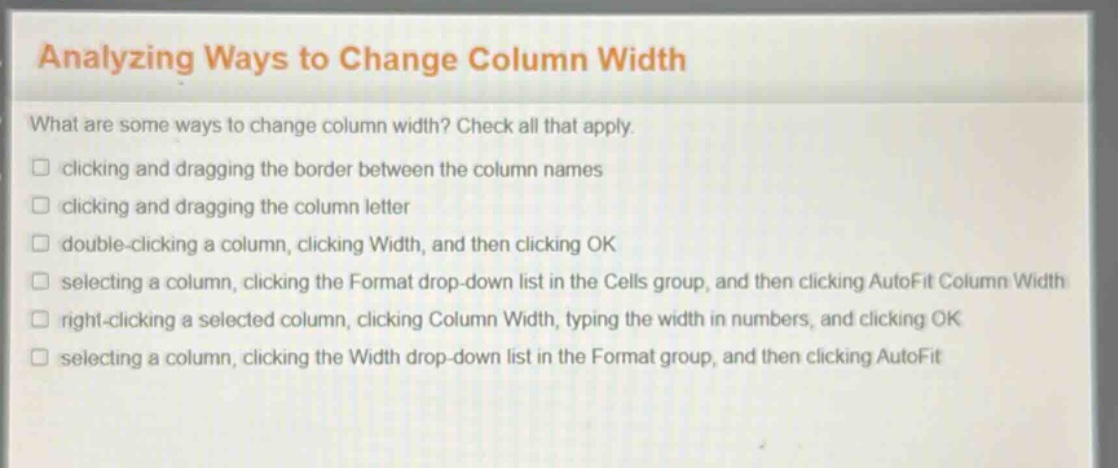
analyzing ways to change column width\nwhat are some ways to change column width? check all that apply.\nclicking and dragging the border between the column names\nclicking and dragging the column letter\ndouble - clicking a column, clicking width, and then clicking ok\nselecting a column, clicking the format drop - down list in the cells group, and then clicking autofit column width\nright - clicking a selected column, clicking column width, typing the width in numbers, and clicking ok\nselecting a column, clicking the width drop - down list in the format group, and then clicking autofit
Answer
Brief Explanations:
In spreadsheet - like software, clicking and dragging the border between column names can change column width. Selecting a column, clicking the Format dropdown list in the Cells group and then clicking AutoFit Column Width can adjust width to fit content. Right - clicking a selected column, clicking Column Width, typing the width in numbers and clicking OK allows for manual width setting. Selecting a column, clicking the Width dropdown list in the Format group and then clicking AutoFit also adjusts width. Clicking and dragging the column letter is not a typical way to change width, and double - clicking a column and then just clicking Width and OK is not a standard process for changing width.
Answer:
A. clicking and dragging the border between the column names D. selecting a column, clicking the Format drop - down list in the Cells group, and then clicking AutoFit Column Width E. right - clicking a selected column, clicking Column Width, typing the width in numbers, and clicking OK F. selecting a column, clicking the Width drop - down list in the Format group, and then clicking AutoFit