arrange these steps of creating a presentation in the correct order. assign animation to your slide. select…
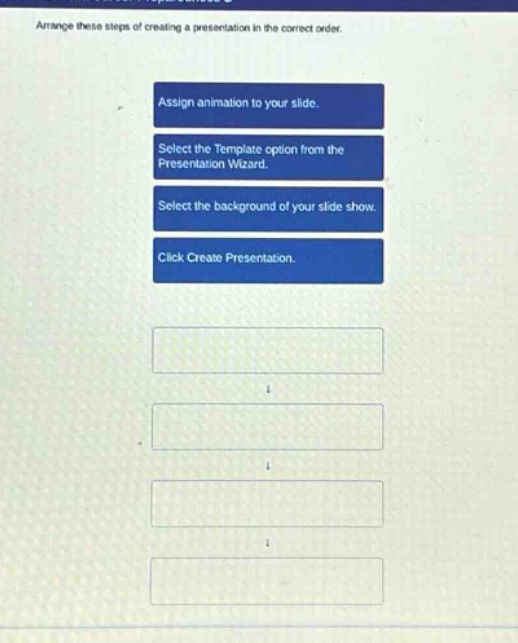
arrange these steps of creating a presentation in the correct order. assign animation to your slide. select the template option from the presentation wizard. select the background of your slide show. click create presentation.
Answer
Answer:
- Select the Template option from the Presentation Wizard.
- Click Create Presentation.
- Select the background of your slide show.
- Assign animation to your slide.
Brief Explanations:
When creating a presentation, first, you choose a template (step 1) as it provides a basic structure. Then you create the presentation (step 2). After that, you customize the background (step 3) for visual appeal. Finally, you add animations (step 4) to enhance the presentation's dynamism.