what is the best way to resample an 8x10 image to a 4x5?\ngo to image>image size and set the dimensions\nuse…
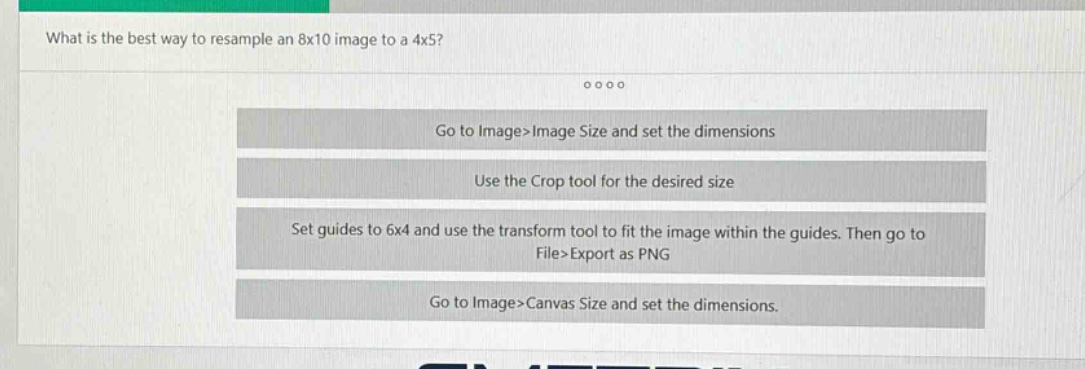
what is the best way to resample an 8x10 image to a 4x5?\ngo to image>image size and set the dimensions\nuse the crop tool for the desired size\nset guides to 6x4 and use the transform tool to fit the image within the guides. then go to file>export as png\ngo to image>canvas size and set the dimensions.
Answer
Brief Explanations:
Resampling an image to change its dimensions is commonly done through the Image Size option in image - editing software. The Crop tool is for cutting out parts of an image, setting guides and using the transform tool is more for positioning and resizing relative to custom guides, and Canvas Size changes the overall canvas area rather than resampling the image itself.
Answer:
Go to Image>Image Size and set the dimensions