caleb is working in an excel spreadsheet and realizes that he incorrectly spelled a word he used in multiple…
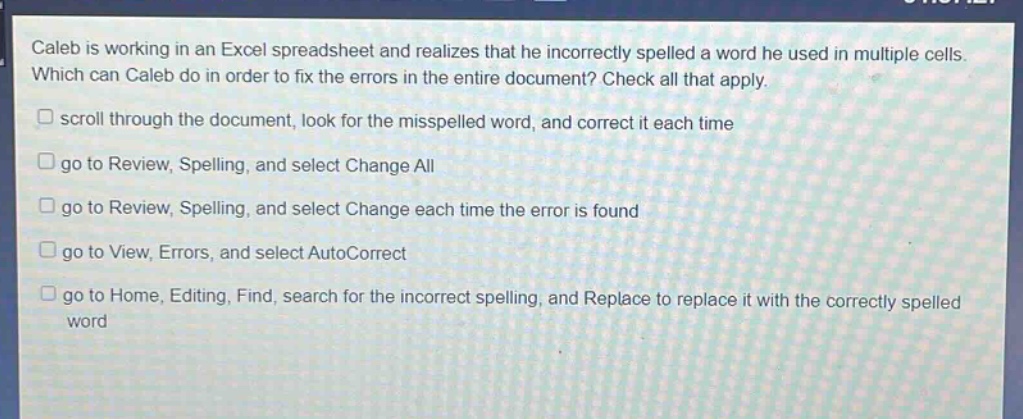
caleb is working in an excel spreadsheet and realizes that he incorrectly spelled a word he used in multiple cells. which can caleb do in order to fix the errors in the entire document? check all that apply. scroll through the document, look for the misspelled word, and correct it each time go to review, spelling, and select change all go to review, spelling, and select change each time the error is found go to view, errors, and select autocorrect go to home, editing, find, search for the incorrect spelling, and replace to replace it with the correctly spelled word
Answer
Answer:
- scroll through the document, look for the misspelled word, and correct it each time
- go to Review, Spelling, and select Change All
- go to Review, Spelling, and select Change each time the error is found
- go to Home, Editing, Find, search for the incorrect spelling, and Replace to replace it with the correctly spelled word
Brief Explanations:
Scrolling allows manual correction. Review - Spelling has options for batch or individual changes. Home - Editing's Find - Replace can also substitute misspellings. There is no 'View, Errors, AutoCorrect' option in Excel for this purpose.