chris has received an email that was entirely written using capitalization. he needs to paste this text into…
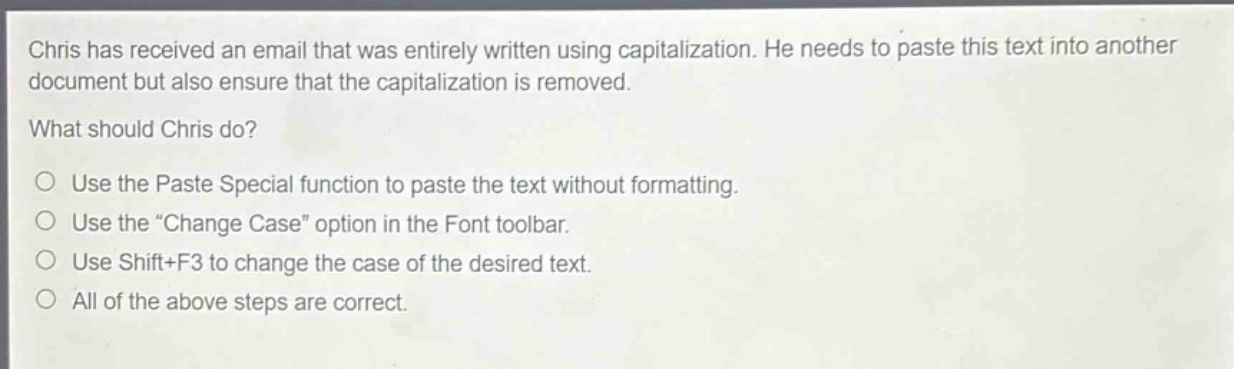
chris has received an email that was entirely written using capitalization. he needs to paste this text into another document but also ensure that the capitalization is removed. what should chris do? use the paste special function to paste the text without formatting. use the \change case\ option in the font toolbar. use shift+f3 to change the case of the desired text. all of the above steps are correct.
Answer
Answer:
D. All of the above steps are correct.
Brief Explanations:
- Paste Special: Removes formatting (including capitalization if it was due to formatting).
- Change Case in Font toolbar: Directly changes text case.
- Shift + F3: A keyboard shortcut to cycle through case changes (lowercase, UPPERCASE, Title Case). Since all these methods can help remove the unwanted capitalization (either by removing formatting or directly changing case), all the steps are correct.