describing ways to insert a row or column\nwhat are some ways to insert a row or column? check all that…
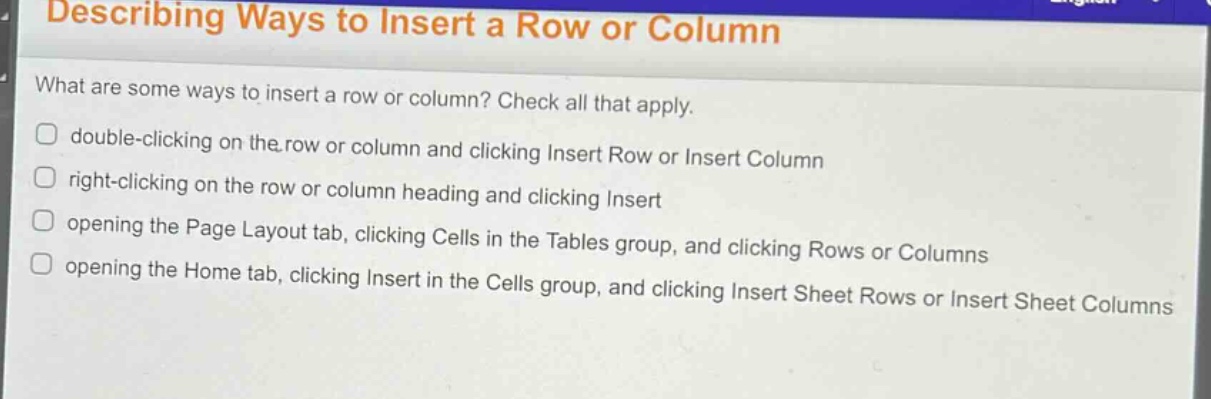
describing ways to insert a row or column\nwhat are some ways to insert a row or column? check all that apply.\ndouble - clicking on the row or column and clicking insert row or insert column\nright - clicking on the row or column heading and clicking insert\nopening the page layout tab, clicking cells in the tables group, and clicking rows or columns\nopening the home tab, clicking insert in the cells group, and clicking insert sheet rows or insert sheet columns
Answer
Brief Explanations:
In spreadsheet software like Excel, right - clicking on row/column heading and using Insert option, and using the Insert commands in the Home tab's Cells group are common ways to insert rows/columns. Double - clicking doesn't work this way and the Page Layout tab isn't used for this directly.
Answer:
B. right - clicking on the row or column heading and clicking Insert D. opening the Home tab, clicking Insert in the Cells group, and clicking Insert Sheet Rows or Insert Sheet Columns