drag the tiles to the correct boxes to complete the pairs. match the items with their respective…
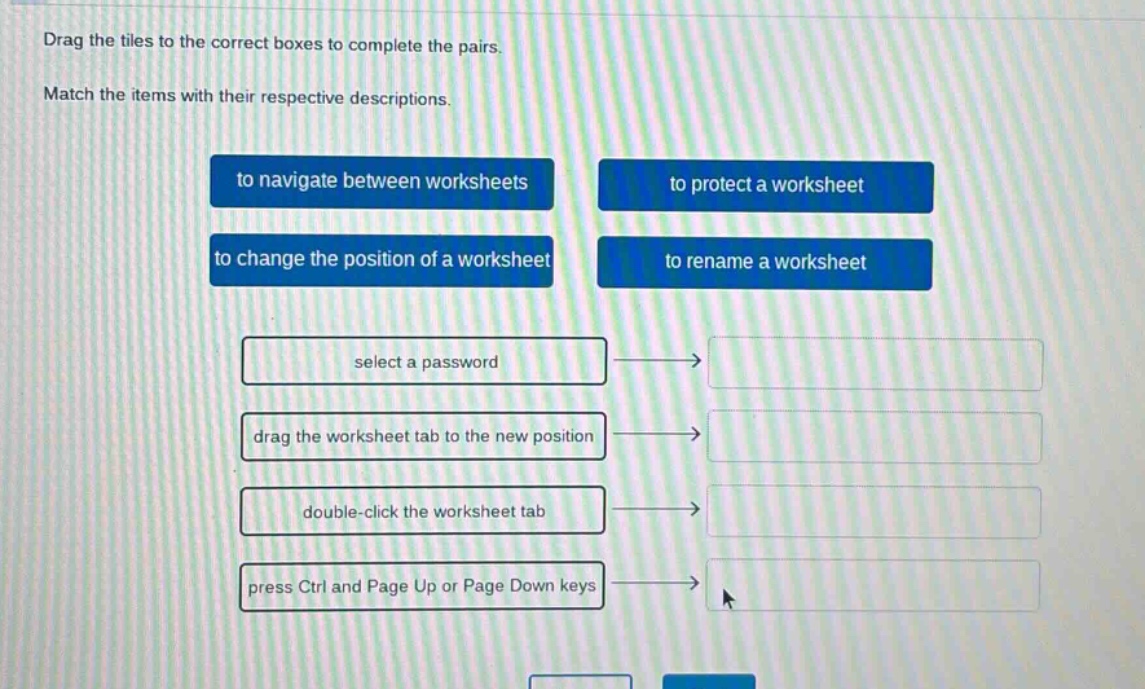
drag the tiles to the correct boxes to complete the pairs. match the items with their respective descriptions. to navigate between worksheets to protect a worksheet to change the position of a worksheet to rename a worksheet select a password drag the worksheet tab to the new position double - click the worksheet tab press ctrl and page up or page down keys
Answer
Brief Explanations:
- Selecting a password protects a worksheet.
- Dragging the worksheet tab changes its position.
- Double - clicking the worksheet tab renames it.
- Pressing Ctrl and Page Up or Page Down navigates between worksheets.
Answer:
select a password → to protect a worksheet drag the worksheet tab to the new position → to change the position of a worksheet double - click the worksheet tab → to rename a worksheet press Ctrl and Page Up or Page Down keys → to navigate between worksheets