which keyboard shortcut selects the cells to the top - left of the current worksheet?\nctrl+shift+home\nctrl+…
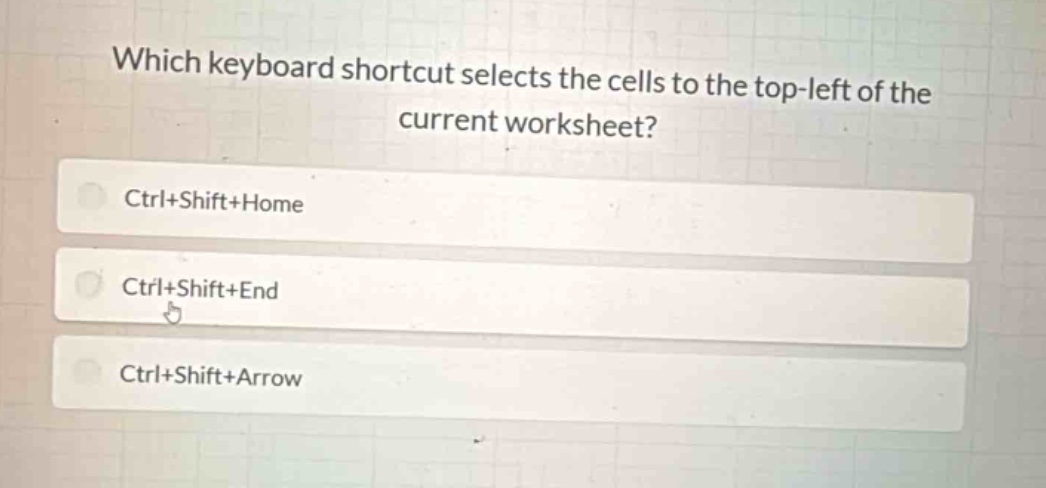
which keyboard shortcut selects the cells to the top - left of the current worksheet?\nctrl+shift+home\nctrl+shift+end\nctrl+shift+arrow
Answer
Brief Explanations:
In spreadsheet applications like Excel, the Ctrl+Shift+Home keyboard shortcut selects the range of cells from the current cell to the top - left cell of the worksheet. Ctrl+Shift+End selects cells to the last used cell in the worksheet, and Ctrl+Shift+Arrow extends the selection in the direction of the arrow key.
Answer:
A. Ctrl+Shift+Home