3 multiple choice 1 point what steps do you take to insert either a header or footer in google docs? click…
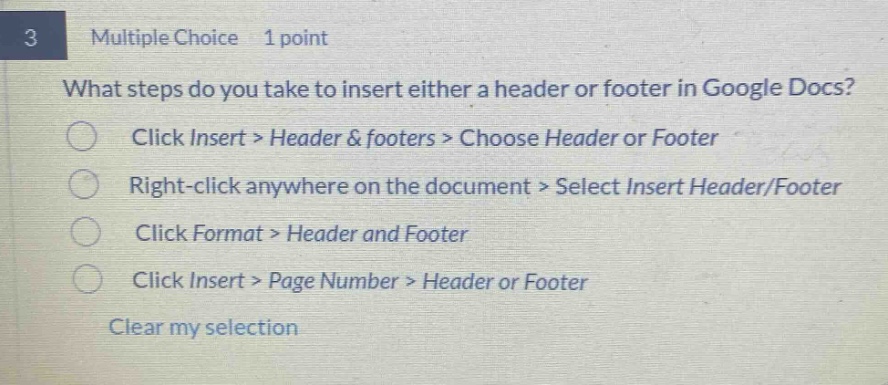
3 multiple choice 1 point what steps do you take to insert either a header or footer in google docs? click insert > header & footers > choose header or footer right - click anywhere on the document > select insert header/footer click format > header and footer click insert > page number > header or footer clear my selection
Answer
Brief Explanations:
In Google Docs, to insert a header or footer, the correct steps are to click Insert > Header & footers > Choose Header or Footer. The other options are incorrect as they do not follow the proper menu - based navigation for this task.
Answer:
A. Click Insert > Header & footers > Choose Header or Footer