omars teacher has asked him to send her a pdf copy of his presentation via email. which tab in the backstage…
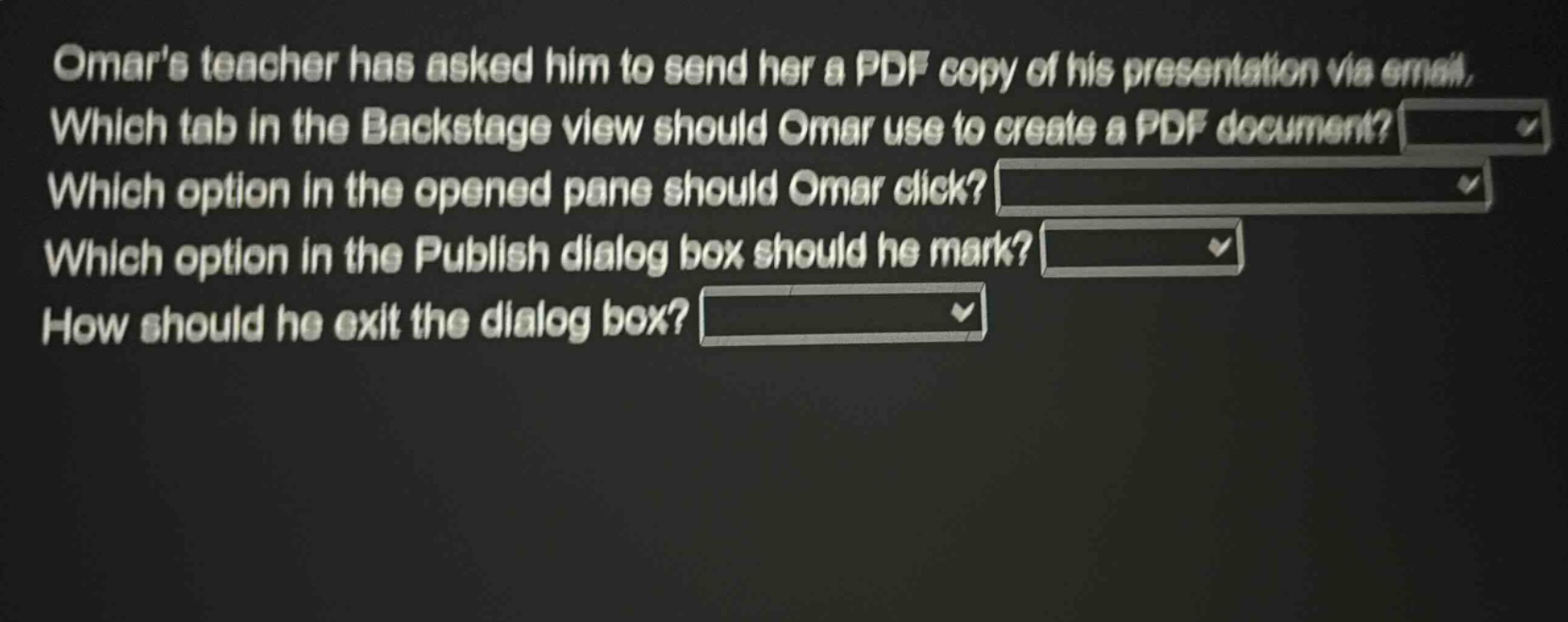
omars teacher has asked him to send her a pdf copy of his presentation via email. which tab in the backstage view should omar use to create a pdf document? which option in the opened pane should omar click? which option in the publish dialog box should he mark? how should he exit the dialog box?
Answer
Brief Explanations:
In Microsoft PowerPoint (assuming common - software usage), to create a PDF in the Backstage view:
- The 'Export' tab is used to access options for creating different file types including PDF.
- In the opened pane for Export, 'Create PDF/XPS Document' is clicked.
- In the Publish dialog box, options like 'Standard' (for general - purpose PDF) or 'Minimum Size' (for smaller file size) can be marked depending on requirements.
- To exit the dialog box, the 'Publish' button is clicked to actually create the PDF.
Answer:
- Export
- Create PDF/XPS Document
- Standard (or other appropriate option based on needs)
- Click Publish