which option is used to insert a table in powerpoint from another office application?\no in the insert…
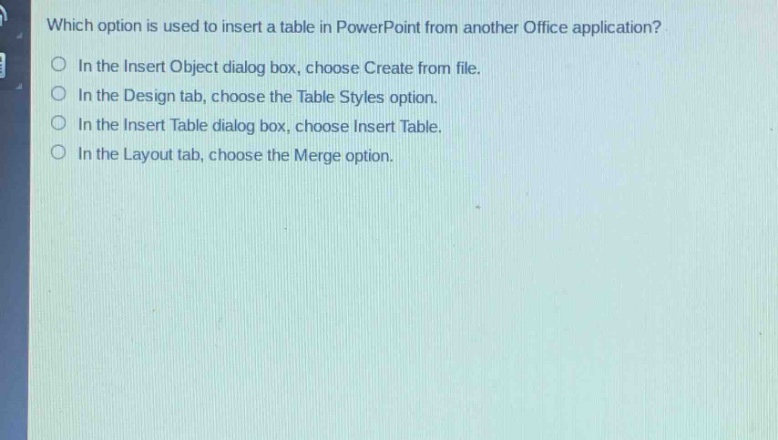
which option is used to insert a table in powerpoint from another office application?\no in the insert object dialog box, choose create from file.\no in the design tab, choose the table styles option.\no in the insert table dialog box, choose insert table.\no in the layout tab, choose the merge option.
Answer
Brief Explanations:
To insert a table from another Office application in PowerPoint, you use the Insert Object dialog box and choose Create from file. This allows you to link or embed an existing table - like from Excel - into your PowerPoint slide. The other options are for different table - related operations such as formatting (Table Styles in Design tab), creating a new table (Insert Table in Insert Table dialog box), and cell manipulation (Merge in Layout tab).
Answer:
In the Insert Object dialog box, choose Create from file.