what is the portion of the powerpoint window that contains the current slide, total slides, zoom options…
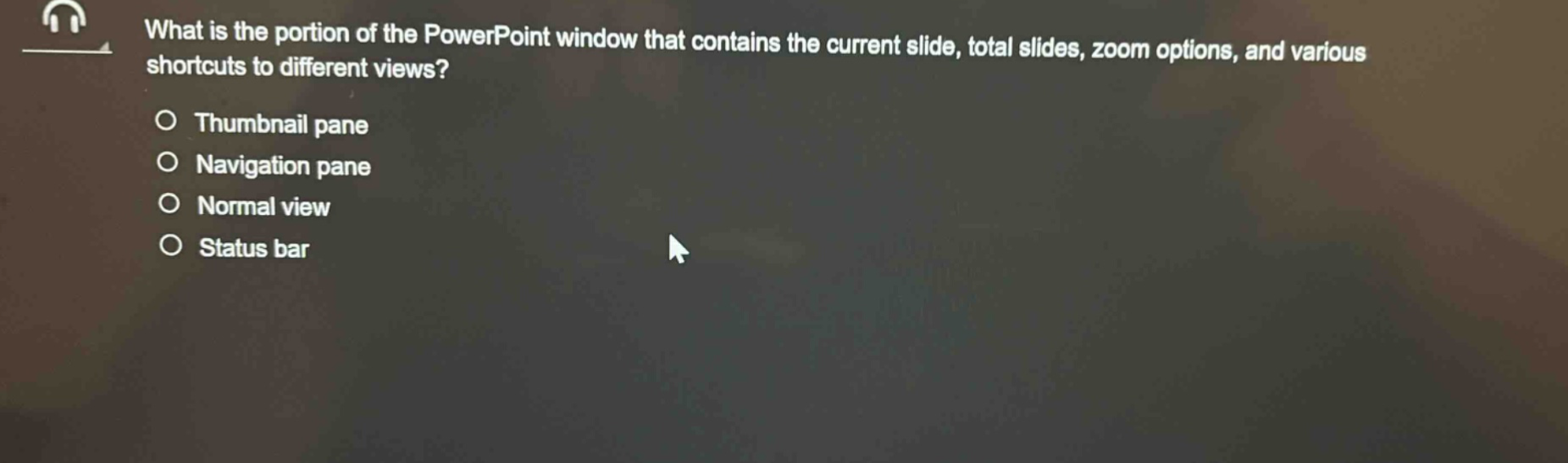
what is the portion of the powerpoint window that contains the current slide, total slides, zoom options, and various shortcuts to different views?\nthumbnail pane\nnavigation pane\nnormal view\nstatus bar
Answer
Brief Explanations:
- Thumbnail pane: Displays small images (thumbnails) of slides for easy navigation but does not show current/total slide count, zoom options, or view shortcuts.
- Navigation pane: Mainly for navigating through slides (outline or thumbnail view in some cases) but not for showing zoom or view - related shortcuts in the way described.
- Normal view: It is a layout view (has slide pane, outline/thumbnail pane, and notes pane) but not a specific "portion" that combines current/total slide info, zoom, and view shortcuts.
- Status bar: Located at the bottom of the PowerPoint window. It shows the current slide number, total number of slides, has zoom options (zoom slider), and shortcuts to different views (e.g., Reading View, Slide Show View, Normal View).
Answer:
Status bar