question 2/16\nwhat is the quickest way to switch between application windows on a computer?\nselect only…
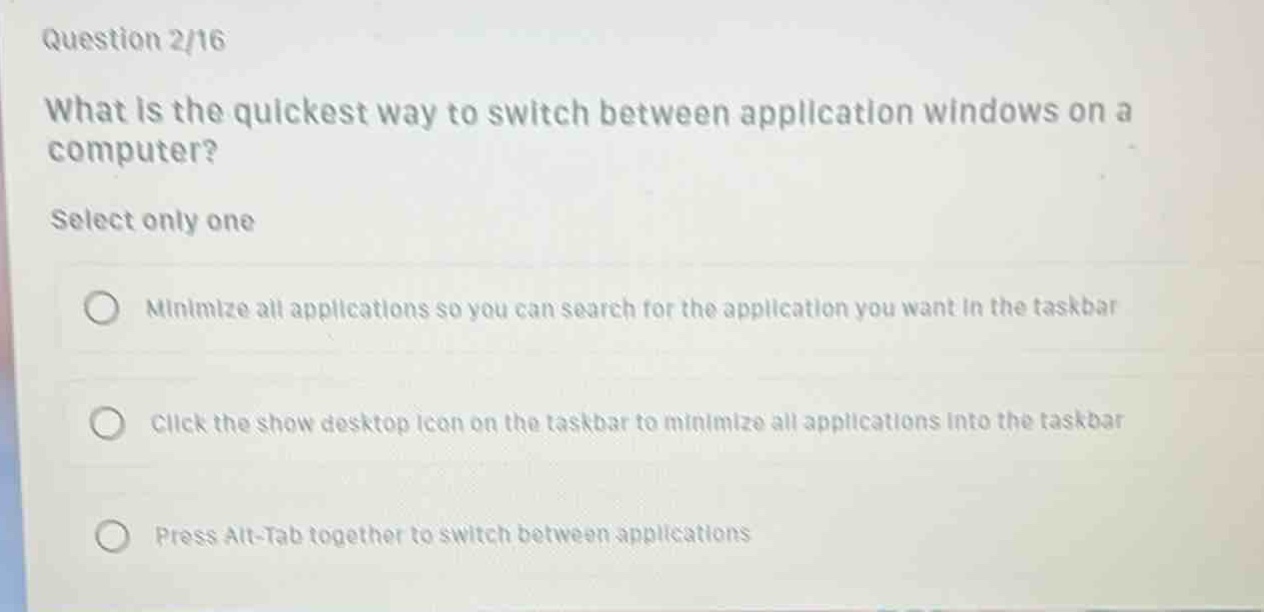
question 2/16\nwhat is the quickest way to switch between application windows on a computer?\nselect only one\nminimize all applications so you can search for the application you want in the taskbar\nclick the show desktop icon on the taskbar to minimize all applications into the taskbar\npress alt - tab together to switch between applications
Answer
Brief Explanations:
Pressing Alt - Tab together is a common and quick keyboard - shortcut method to switch between open application windows on many operating systems like Windows. Minimizing all applications to search in the taskbar or using the show desktop icon to minimize applications first are not the quickest ways for switching between apps.
Answer:
C. Press Alt-Tab together to switch between applications