what is the quickest option for adding internet images to a powerpoint presentation?\ndownload the image to…
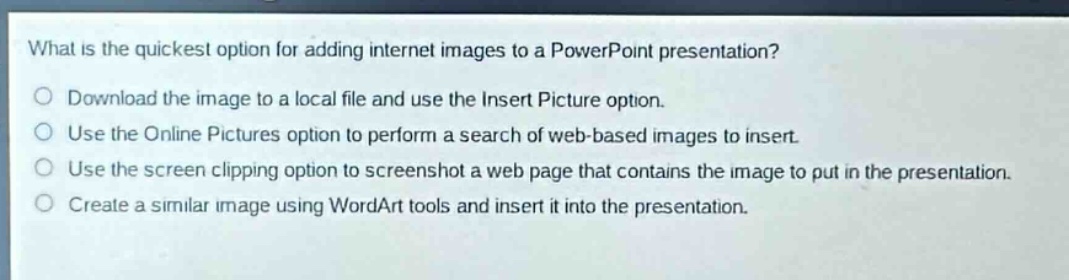
what is the quickest option for adding internet images to a powerpoint presentation?\ndownload the image to a local file and use the insert picture option.\nuse the online pictures option to perform a search of web - based images to insert.\nuse the screen clipping option to screenshot a web page that contains the image to put in the presentation.\ncreate a similar image using wordart tools and insert it into the presentation.
Answer
Brief Explanations:
The Online Pictures option allows direct search and insertion of web - based images without extra steps like downloading or screenshotting. Downloading to a local file adds an extra step. Screenshotting requires more manual work and may not be the best - quality option. Creating a similar image with WordArt is not adding an internet image.
Answer:
B. Use the Online Pictures option to perform a search of web - based images to insert.