select the correct answer.\ncelines computer motherboard malfunctioned and had to be replaced. on starting…
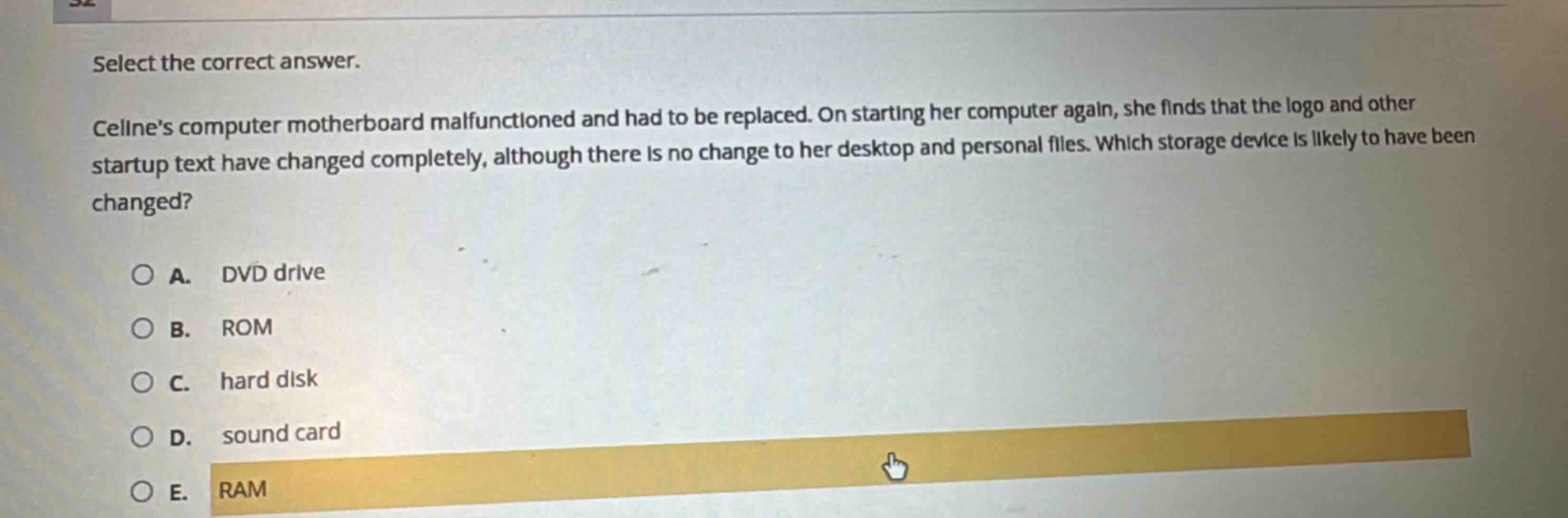
select the correct answer.\ncelines computer motherboard malfunctioned and had to be replaced. on starting her computer again, she finds that the logo and other startup text have changed completely, although there is no change to her desktop and personal files. which storage device is likely to have been changed?\na. dvd drive\nb. rom\nc. hard disk\nd. sound card\ne. ram
Answer
Brief Explanations:
ROM (Read - Only Memory) stores the startup instructions and BIOS - related information like the computer logo and startup text. A motherboard replacement might affect the ROM if it has been updated or replaced along with the motherboard. DVD drive stores external media data, hard disk stores user files and installed software, sound card is for audio - related functions, and RAM is volatile memory for temporary data during computer operation. Since desktop and personal files are unchanged, it's likely the ROM that has been affected.
Answer:
B. ROM