select the correct answer from each drop - down menu. joe needs to see the slide transitions and animations…
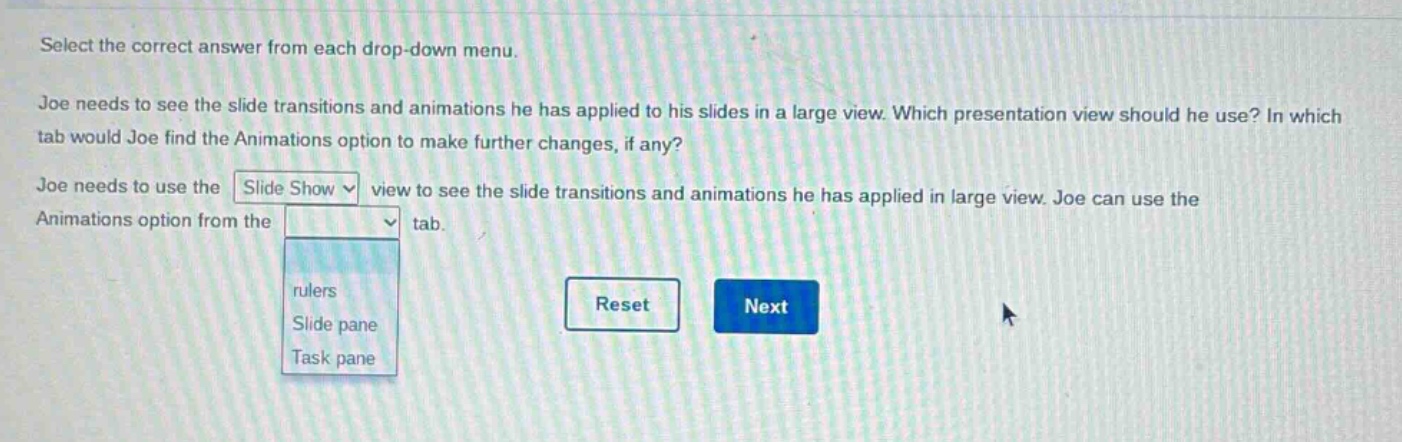
select the correct answer from each drop - down menu. joe needs to see the slide transitions and animations he has applied to his slides in a large view. which presentation view should he use? in which tab would joe find the animations option to make further changes, if any? joe needs to use the slide show view to see the slide transitions and animations he has applied in large view. joe can use the animations option from the tab. rulers slide pane task pane reset next
Answer
Brief Explanations:
In presentation software like PowerPoint, Slide Show view shows the presentation as it will be presented, including all transitions and animations. The Animations option for making changes to animations is found in the Animations tab.
Answer:
Joe needs to use the Slide Show view to see the slide transitions and animations he has applied in large view. Joe can use the Animations option from the Animations tab.