select all the correct answers. which actions can you take to bring back your computer from sleep mode…
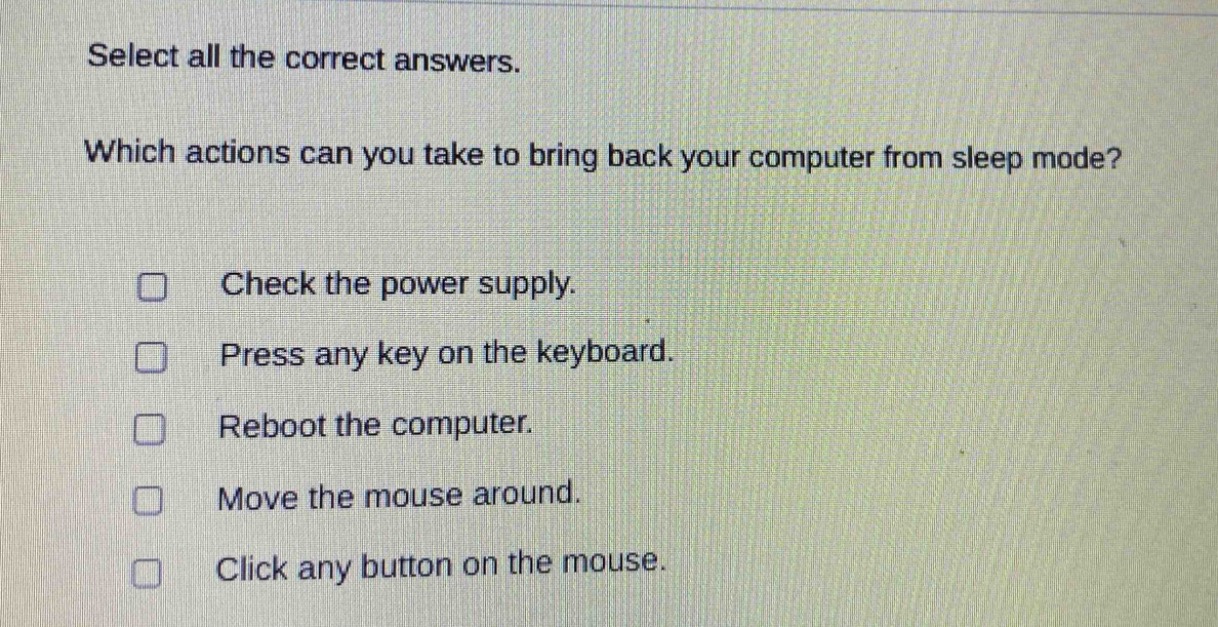
select all the correct answers. which actions can you take to bring back your computer from sleep mode? check the power supply. press any key on the keyboard. reboot the computer. move the mouse around. click any button on the mouse.
Answer
Brief Explanations:
Pressing a keyboard key, moving the mouse, or clicking a mouse - button are common ways to wake a computer from sleep mode. Checking the power supply is for power - related issues and rebooting is a different action from waking from sleep.
Answer:
B. Press any key on the keyboard. D. Move the mouse around. E. Click any button on the mouse.