select the correct text in the passage.\nhow can you have a safe browsing experience?\n1. enable javascript…
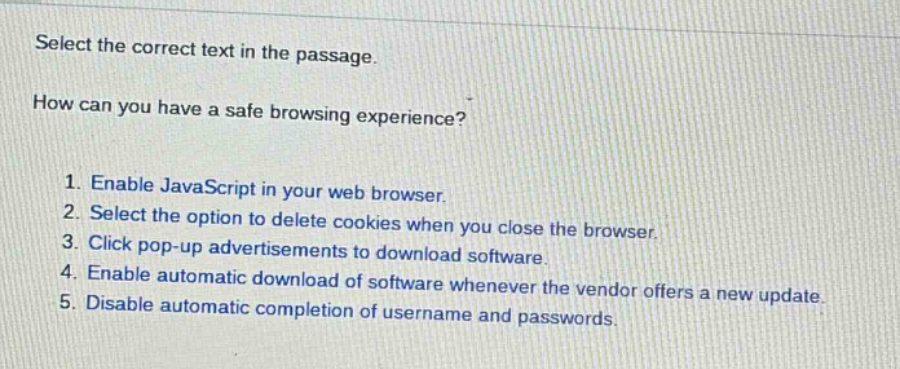
select the correct text in the passage.\nhow can you have a safe browsing experience?\n1. enable javascript in your web browser.\n2. select the option to delete cookies when you close the browser.\n3. click pop - up advertisements to download software.\n4. enable automatic download of software whenever the vendor offers a new update.\n5. disable automatic completion of username and passwords.
Answer
Brief Explanations:
Enabling JavaScript can expose to security risks. Clicking pop - up ads may lead to malware. Automatic software download can be dangerous if from untrusted sources. Disabling auto - completion of username and passwords is a good security practice, but deleting cookies when closing the browser helps in maintaining privacy and security by preventing tracking.
Answer:
- Select the option to delete cookies when you close the browser.