after selecting the heading and opening the style dialog box, jemima now wants to open the modify style…
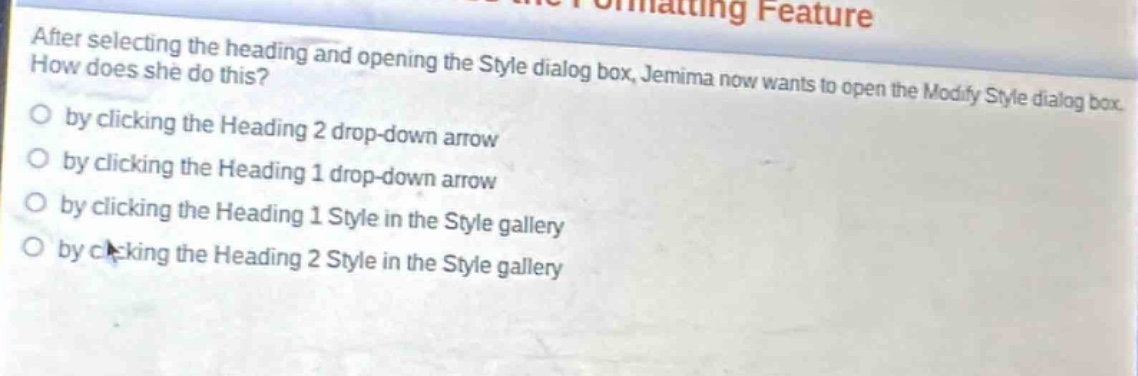
after selecting the heading and opening the style dialog box, jemima now wants to open the modify style dialog box. how does she do this?\nby clicking the heading 2 drop - down arrow\nby clicking the heading 1 drop - down arrow\nby clicking the heading 1 style in the style gallery\nby clicking the heading 2 style in the style gallery
Answer
Brief Explanations:
In most word - processing applications like Microsoft Word, to open the Modify Style dialog box after opening the Style dialog box, one typically clicks the drop - down arrow next to the specific style (e.g., Heading 1 or Heading 2). Clicking the style in the Style gallery usually applies the style rather than opening the Modify Style dialog box. Since the question doesn't specify if it's Heading 1 or Heading 2, but the action of clicking the drop - down arrow is correct for opening the Modify Style dialog box.
Answer:
by clicking the Heading 2 drop - down arrow (assuming Heading 2 is the relevant style in the context; if it were Heading 1, the answer would be the Heading 1 drop - down arrow)