what are the steps to changing the number format of an axis?\nfile tab --> axis --> axis formats\ndesign tab…
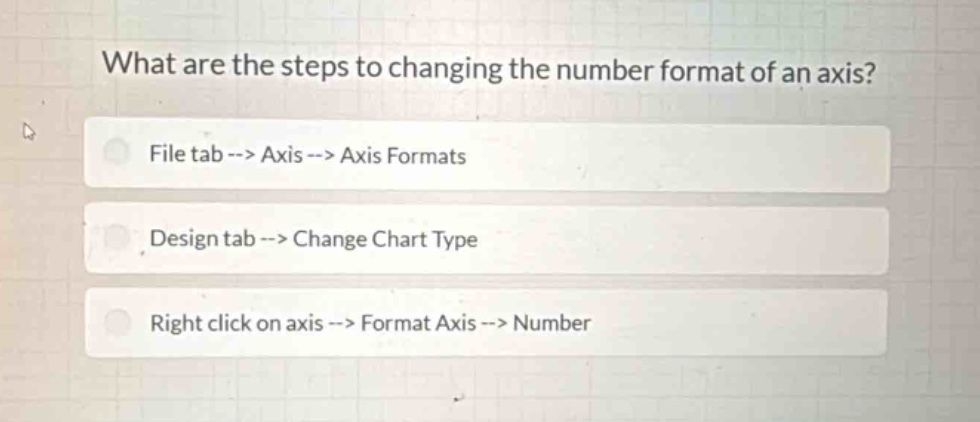
what are the steps to changing the number format of an axis?\nfile tab --> axis --> axis formats\ndesign tab --> change chart type\nright click on axis --> format axis --> number
Answer
Brief Explanations:
In most common data - visualization software like Excel, to change the number format of an axis, you right - click on the axis to access the formatting options and then select the number formatting within the axis format settings. The other two options are for different functions (file tab is for file - related operations and design tab for changing chart type).
Answer:
C. Right click on axis --> Format Axis --> Number