what are the steps to linking an office document in a worksheet?\nhome tab --> object --> browse --> select…
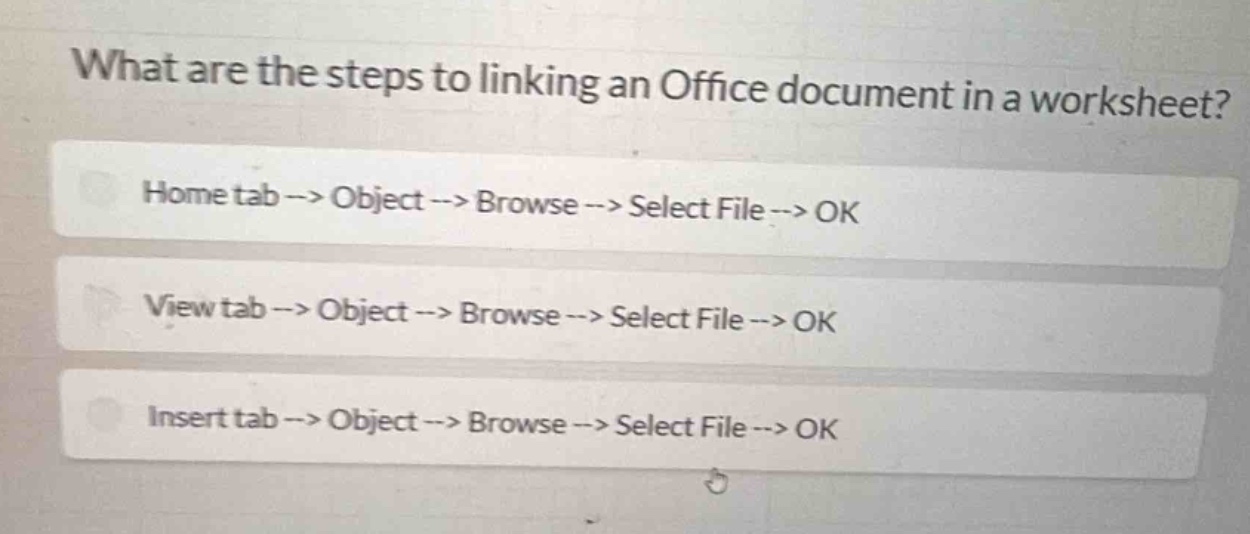
what are the steps to linking an office document in a worksheet?\nhome tab --> object --> browse --> select file --> ok\nview tab --> object --> browse --> select file --> ok\ninsert tab --> object --> browse --> select file --> ok
Answer
Brief Explanations:
In most spreadsheet applications like Excel, to link an Office document in a worksheet, you go to the Insert tab, then select Object, browse for the file, select it and click OK. This is the correct sequence of steps.
Answer:
Insert tab --> Object --> Browse --> Select File --> OK