which steps are most practical when rearranging the order of the slides in a presentation?\nin the slides…
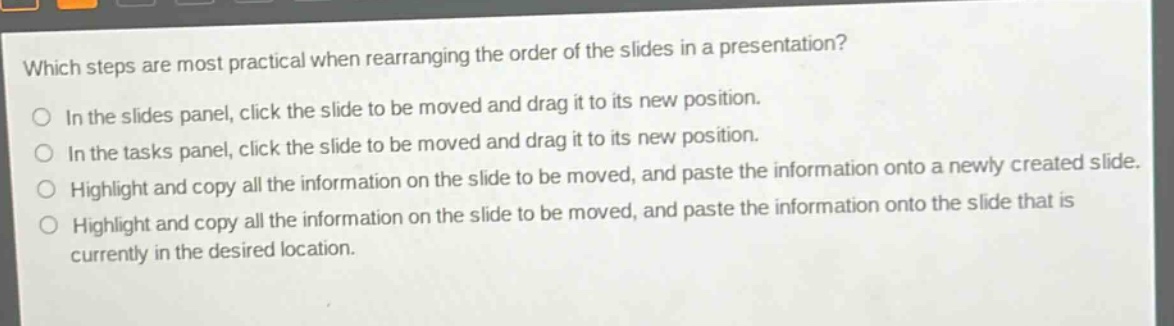
which steps are most practical when rearranging the order of the slides in a presentation?\nin the slides panel, click the slide to be moved and drag it to its new position.\nin the tasks panel, click the slide to be moved and drag it to its new position.\nhighlight and copy all the information on the slide to be moved, and paste the information onto a newly created slide.\nhighlight and copy all the information on the slide to be moved, and paste the information onto the slide that is currently in the desired location.
Answer
Brief Explanations:
In presentation - making software, the most straightforward way to rearrange slides is usually through the slides panel. Dragging a slide in the slides panel changes its order directly. The tasks panel is not for slide - reordering. Copying and pasting content to new or existing slides is a more cumbersome way to change slide order.
Answer:
In the slides panel, click the slide to be moved and drag it to its new position.