units 1 & 2 post - assessment\n9 of 25\nwhat is the correct html element for inserting an image?\n<image…
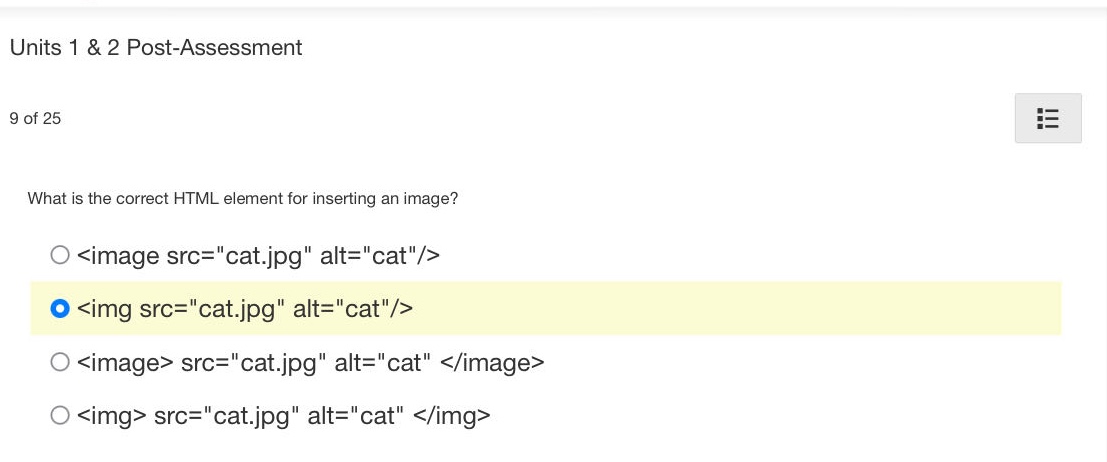
units 1 & 2 post - assessment\n9 of 25\nwhat is the correct html element for inserting an image?\n<image src=\cat.jpg\ alt=\cat\/>\n<img src=\cat.jpg\ alt=\cat\/>\n<image> src=\cat.jpg\ alt=\cat </image>\n<img> src=\cat.jpg\ alt=\cat </img>
Answer
Brief Explanations:
In HTML, the <img> tag is used to embed an image in a web - page. It is a self - closing tag (in HTML5, the closing slash is optional but still a good practice). The src attribute specifies the path to the image file and the alt attribute provides alternative text for the image, which is shown if the image cannot be displayed.
Answer:
B. <img src="cat.jpg" alt="cat"/>