how would a user ensure that they do not exceed the mailbox quota?\nthe user can select a mailbox that does…
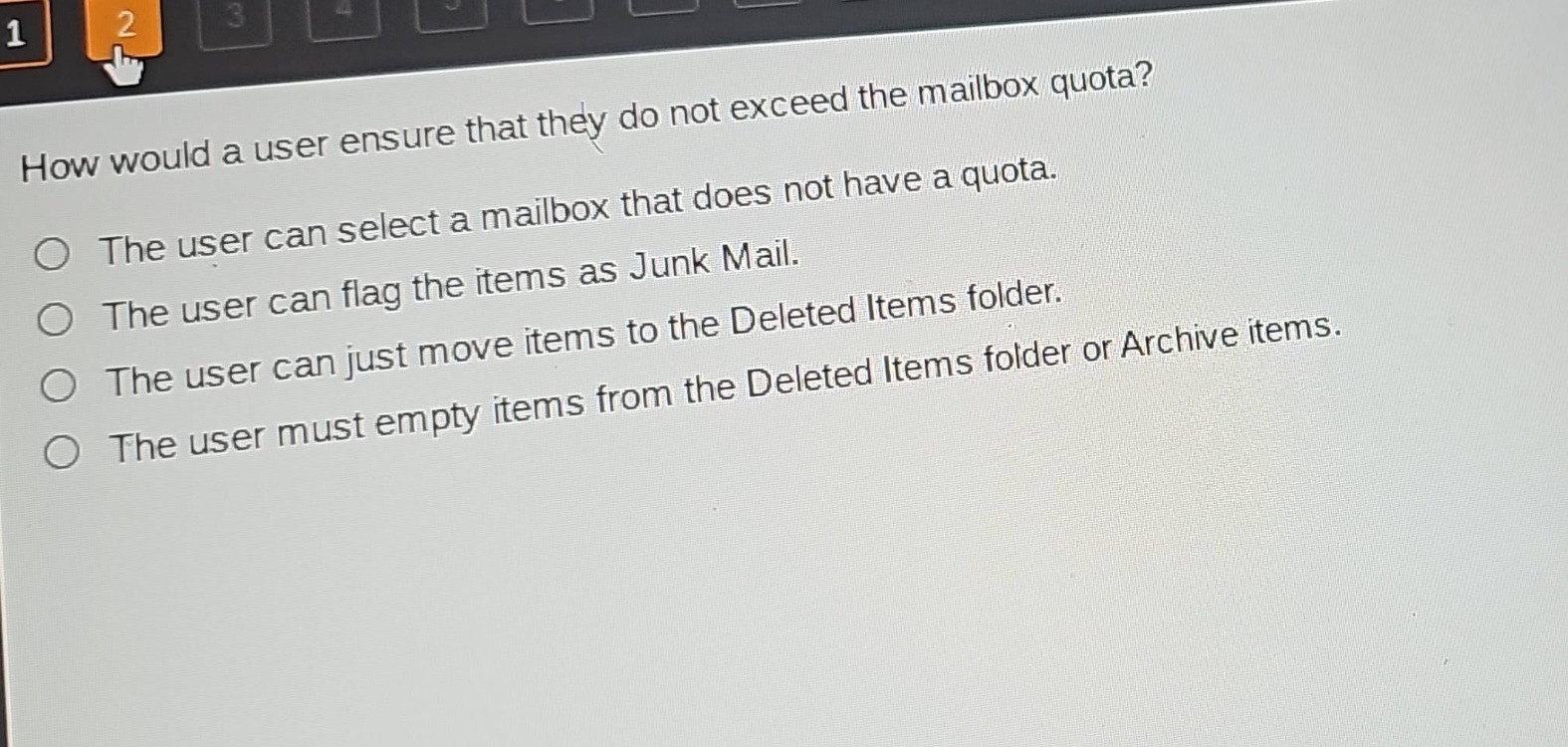
how would a user ensure that they do not exceed the mailbox quota?\nthe user can select a mailbox that does not have a quota.\nthe user can flag the items as junk mail.\nthe user can just move items to the deleted items folder.\nthe user must empty items from the deleted items folder or archive items.
Answer
Brief Explanations:
Flagging items as Junk Mail doesn't reduce mailbox size. Moving to Deleted Items folder doesn't free up space until emptied. Archiving can move old items out of the main mailbox. Emptying Deleted Items folder removes items and frees space. Selecting a mailbox with no quota isn't always an option. So, emptying items from Deleted Items folder or archiving helps manage mailbox size.
Answer:
The user must empty items from the Deleted Items folder or Archive items.