users are complaining that their print jobs are not printing. you open the print queue and see 50 jobs lined…
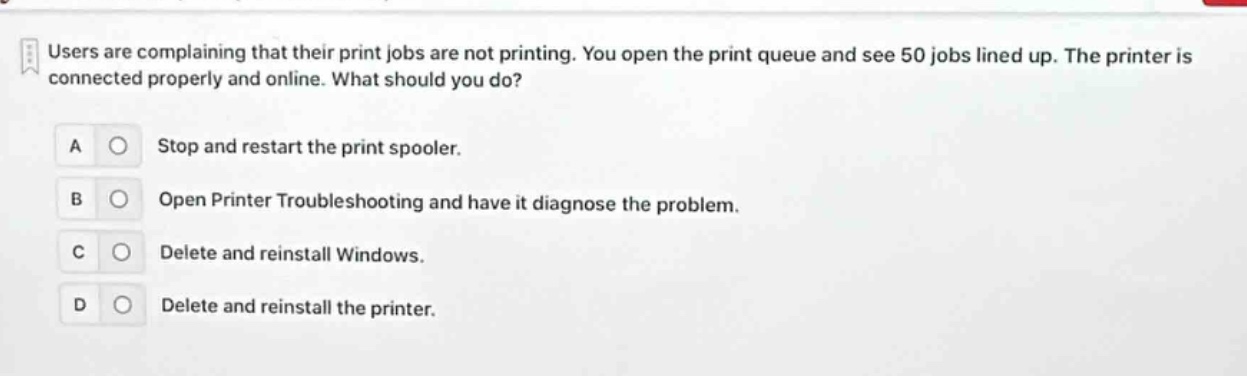
users are complaining that their print jobs are not printing. you open the print queue and see 50 jobs lined up. the printer is connected properly and online. what should you do? a stop and restart the print spooler. b open printer troubleshooting and have it diagnose the problem. c delete and reinstall windows. d delete and reinstall the printer.
Answer
Brief Explanations:
When print jobs are queued up but not printing while the printer is properly - connected and online, restarting the print spooler can often clear the queue and resolve the issue. Opening printer troubleshooting is also a valid step to diagnose problems. Deleting and reinstalling Windows is an extreme and unnecessary measure for a simple printing issue. Deleting and reinstalling the printer may be a last - resort option after other simpler steps have failed. Restarting the print spooler is a common first step.
Answer:
A. Stop and restart the print spooler. B. Open Printer Troubleshooting and have it diagnose the problem.