when you turn on your workstation, you immediately hear a grinding or clicking noise coming from inside the…
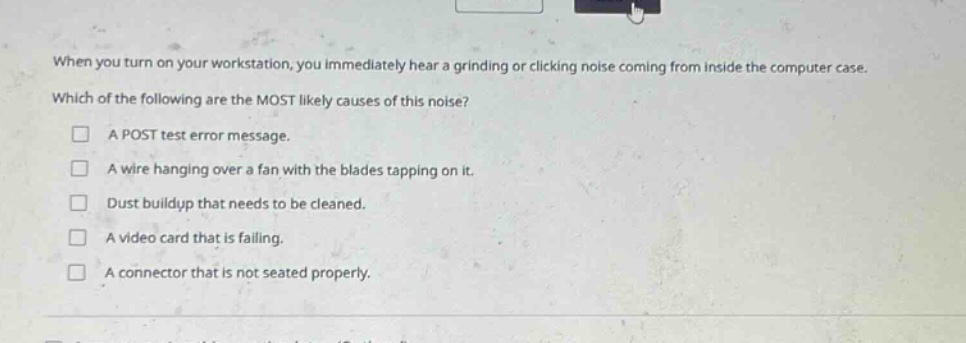
when you turn on your workstation, you immediately hear a grinding or clicking noise coming from inside the computer case. which of the following are the most likely causes of this noise?\n□ a post test error message.\n□ a wire hanging over a fan with the blades tapping on it.\n□ dust buildup that needs to be cleaned.\n□ a video card that is failing.\n□ a connector that is not seated properly.
Answer
Brief Explanations:
A wire hanging over a fan with blades tapping on it can cause grinding or clicking noises. POST test error messages are text - based, dust buildup usually doesn't make such distinct noises, a failing video card typically shows visual issues rather than this noise, and a poorly - seated connector may cause connection problems but not this type of noise.
Answer:
A wire hanging over a fan with the blades tapping on it.