if your computer is running slowly, which of the following is most likely to solve the problem?\nscanning…
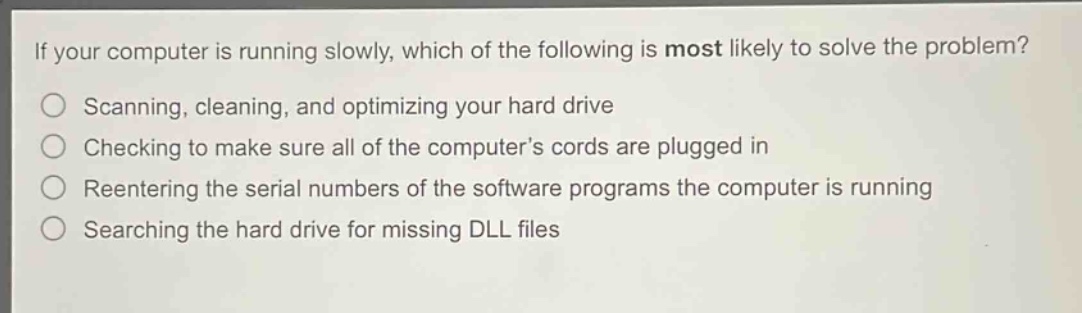
if your computer is running slowly, which of the following is most likely to solve the problem?\nscanning, cleaning, and optimizing your hard drive\nchecking to make sure all of the computer’s cords are plugged in\nreentering the serial numbers of the software programs the computer is running\nsearching the hard drive for missing dll files
Answer
Brief Explanations:
A slow - running computer can often be due to fragmented files or clutter on the hard drive. Scanning, cleaning, and optimizing the hard drive can free up space, defragment files, and improve overall performance. Checking cords is for connection issues, re - entering serial numbers has no relation to speed, and searching for DLL files is more for software malfunction rather than general slowness.
Answer:
Scanning, cleaning, and optimizing your hard drive