drag each tile to the correct box. match each word - processing tool to its purpose. orientation increase…
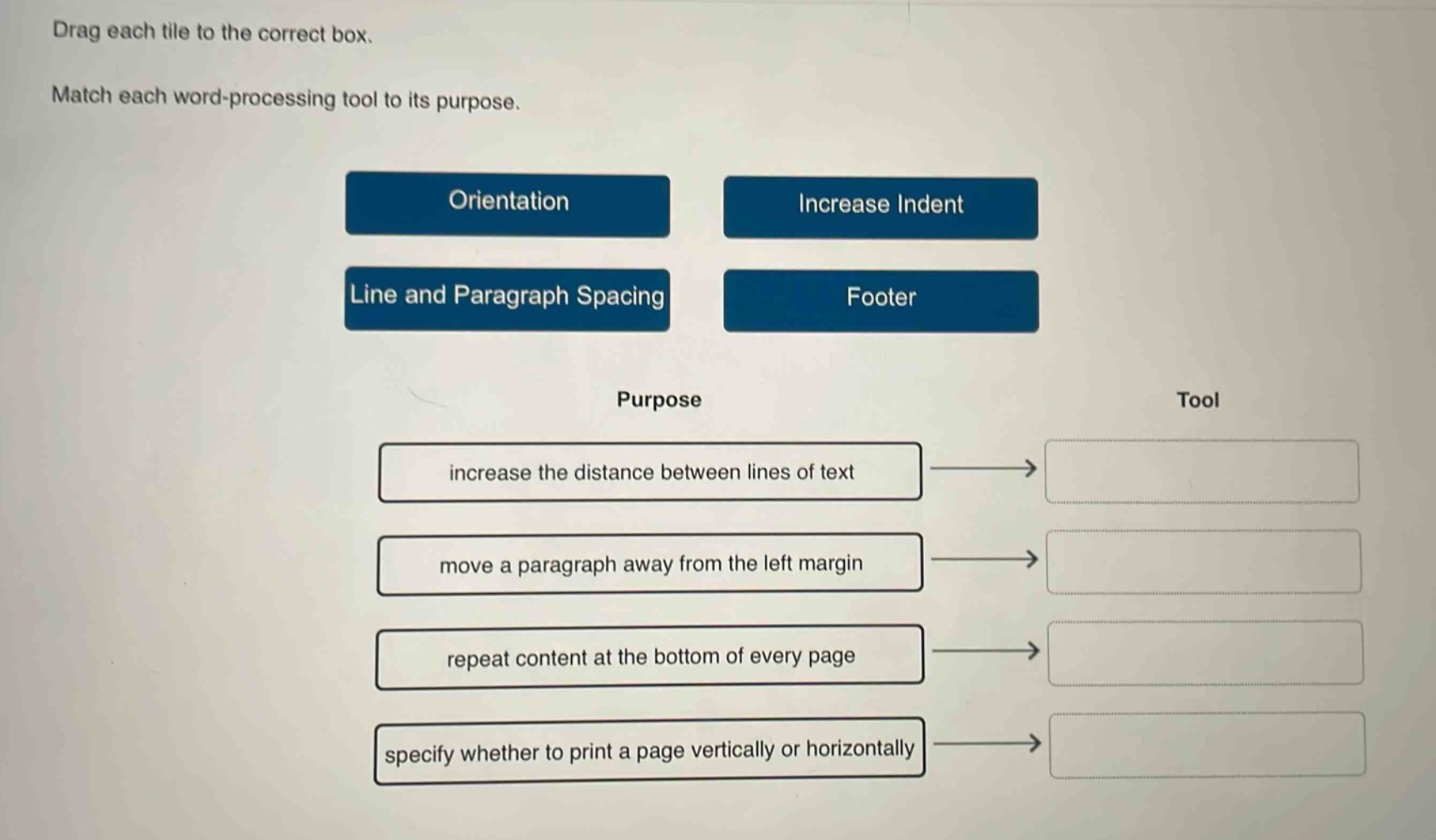
drag each tile to the correct box. match each word - processing tool to its purpose. orientation increase indent line and paragraph spacing footer purpose tool increase the distance between lines of text move a paragraph away from the left margin repeat content at the bottom of every page specify whether to print a page vertically or horizontally
Answer
Brief Explanations:
- "increase the distance between lines of text" se corresponde con "Line and Paragraph Spacing" ya que este ajusta el espacio entre líneas y párrafos.
- "move a paragraph away from the left - margin" se corresponde con "Increase Indent" que aumenta la indentación del párrafo.
- "repeat content at the bottom of every page" se corresponde con "Footer" donde se puede agregar contenido que se repite en la parte inferior de cada página.
- "specify whether to print a page vertically or horizontally" se corresponde con "Orientation" que define la orientación de la página (vertical u horizontal).
Answer:
- increase the distance between lines of text → Line and Paragraph Spacing
- move a paragraph away from the left margin → Increase Indent
- repeat content at the bottom of every page → Footer
- specify whether to print a page vertically or horizontally → Orientation