what is the first step to apply the line and page breaks options to groups of paragraphs in a word document…
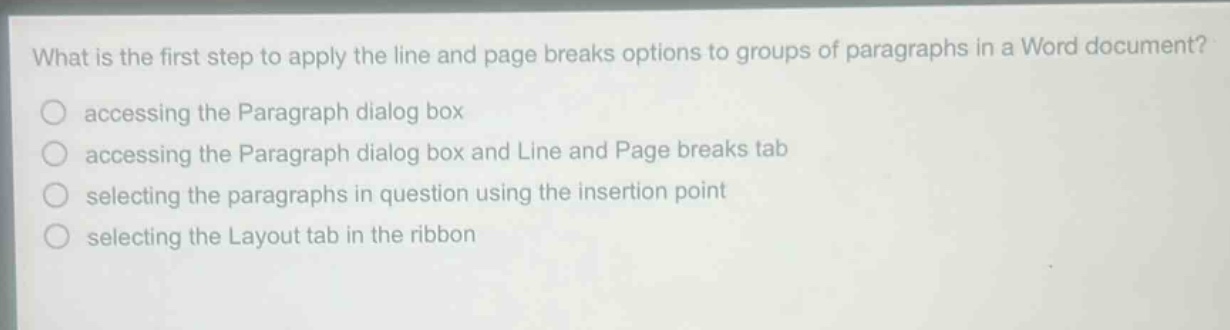
what is the first step to apply the line and page breaks options to groups of paragraphs in a word document? accessing the paragraph dialog box accessing the paragraph dialog box and line and page breaks tab selecting the paragraphs in question using the insertion point selecting the layout tab in the ribbon
Answer
Brief Explanations:
To apply line and page - breaks options to groups of paragraphs in Word, you first need to identify the paragraphs. This is done by selecting them using the insertion point. Other steps like accessing dialog boxes or tabs come after selection.
Answer:
selecting the paragraphs in question using the insertion point