QUESTION IMAGE
Question
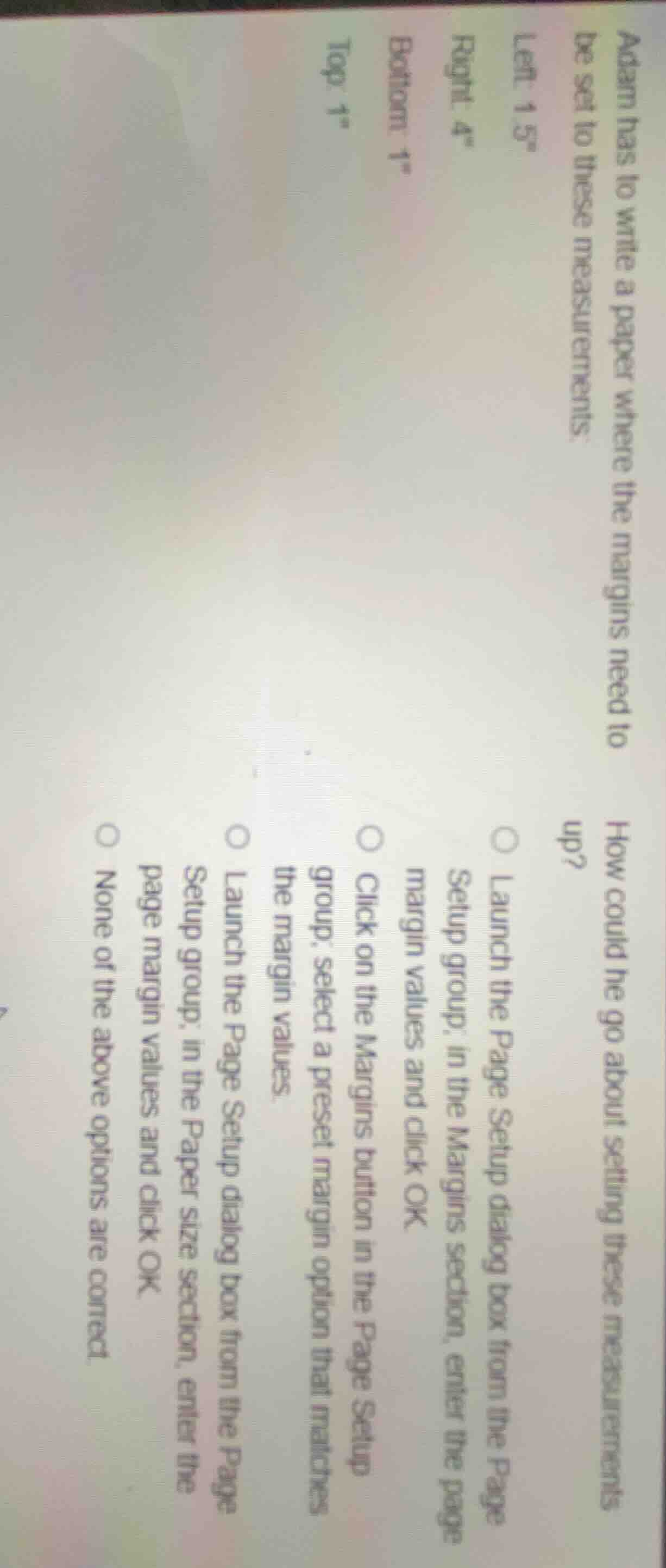
adam has to write a paper where the margins need to be set to these measurements:left: 1.5
ight: 4\bottom: 1\top: 1\how could he go about setting these measurements up?○ launch the page setup dialog box from the page setup group; in the margins section, enter the page margin values and click ok.○ click on the margins button in the page setup group; select a preset margin option that matches the margin values.○ launch the page setup dialog box from the page setup group; in the paper size section, enter the page margin values and click ok.○ none of the above options are correct.
The custom margin values (Left: 1.5", Right: 4", Top: 1", Bottom: 1") are non-standard, so no preset option will match. To set them, you need to open the Page Setup dialog box, access the Margins section, input the exact custom values, then confirm.

Snap & solve any problem in the app
Get step-by-step solutions on Sovi AI
Photo-based solutions with guided steps
Explore more problems and detailed explanations
A. Launch the Page Setup dialog box from the Page Setup group; in the Margins section, enter the page margin values and click OK.