QUESTION IMAGE
Question
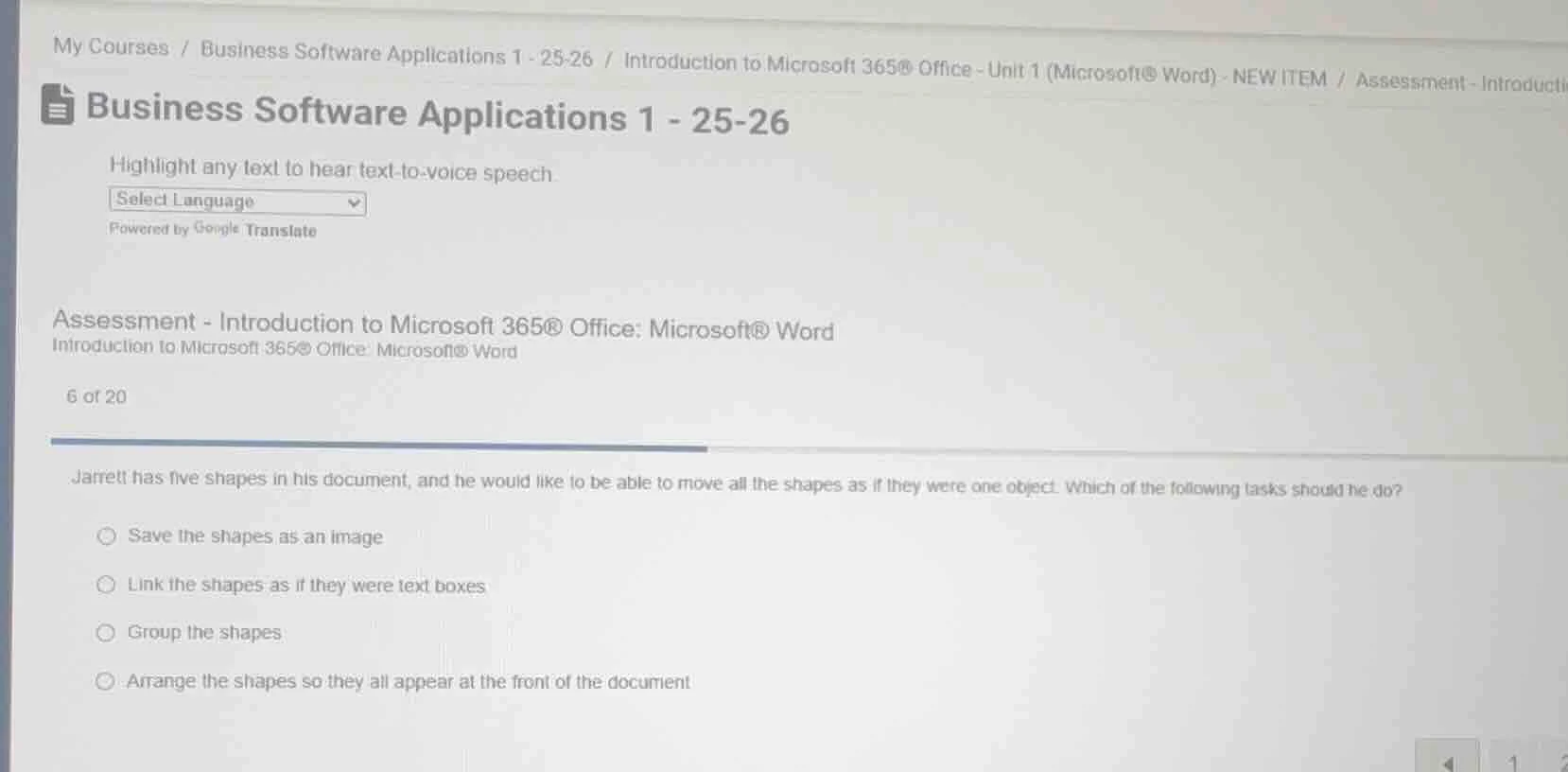
my courses / business software applications 1 - 25-26 / introduction to microsoft 365® office - unit 1 (microsoft® word) - new item / assessment - introducti business software applications 1 - 25-26 highlight any text to hear text - to - voice speech. select language powered by google translate assessment - introduction to microsoft 365® office: microsoft® word introduction to microsoft 365® office: microsoft® word 6 of 20 jarrett has five shapes in his document, and he would like to be able to move all the shapes as if they were one object. which of the following tasks should he do? save the shapes as an image link the shapes as if they were text boxes group the shapes arrange the shapes so they all appear at the front of the document
Grouping shapes in Microsoft Word combines multiple shape objects into a single unified object, allowing them to be moved, resized, or formatted as one. Saving as an image converts them to a non-editable graphic, linking as text boxes does not create a single movable object, and arranging to the front only changes layer order, not grouping.

Snap & solve any problem in the app
Get step-by-step solutions on Sovi AI
Photo-based solutions with guided steps
Explore more problems and detailed explanations
C. Group the shapes