QUESTION IMAGE
Question
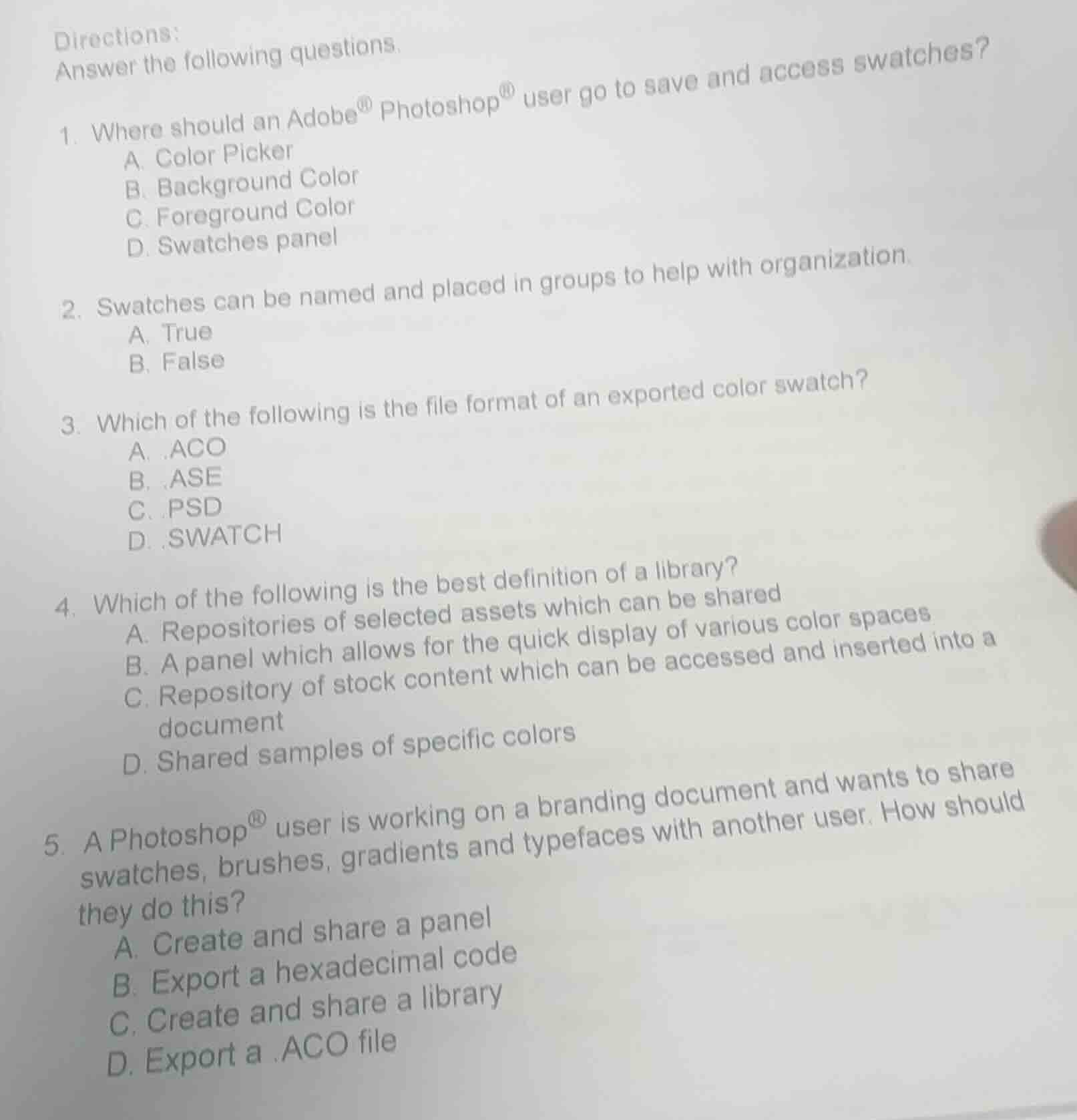
directions:answer the following questions.1. where should an adobe® photoshop® user go to save and access swatches?a. color pickerb. background colorc. foreground colord. swatches panel2. swatches can be named and placed in groups to help with organization.a. trueb. false3. which of the following is the file format of an exported color swatch?a. .acob. .asec. .psdd. .swatch4. which of the following is the best definition of a library?a. repositories of selected assets which can be sharedb. a panel which allows for the quick display of various color spacesc. repository of stock content which can be accessed and inserted into a documentd. shared samples of specific colors5. a photoshop® user is working on a branding document and wants to share swatches, brushes, gradients and typefaces with another user. how should they do this?a. create and share a panelb. export a hexadecimal codec. create and share a libraryd. export a .aco file
- The Swatches panel in Photoshop is dedicated to saving and accessing color swatches; other options are for selecting colors, not managing saved swatches.
- Photoshop allows users to name swatches and organize them into groups for better workflow.
- .ASE (Adobe Swatch Exchange) is the standard format for exporting shared color swatches; .ACO is for Photoshop-only swatches, .PSD is a Photoshop document, and .SWATCH is not a valid format.
- A library in Adobe software is a shared repository of various assets like swatches, brushes, etc., that can be shared across users and documents.
- Libraries in Photoshop are designed to package and share multiple assets (swatches, brushes, gradients, typefaces) with other users, unlike single-format exports or panels.

Snap & solve any problem in the app
Get step-by-step solutions on Sovi AI
Photo-based solutions with guided steps
Explore more problems and detailed explanations
- D. Swatches panel
- A. True
- B. .ASE
- A. Repositories of selected assets which can be shared
- C. Create and share a library