QUESTION IMAGE
Question
directions:
answer the following questions.
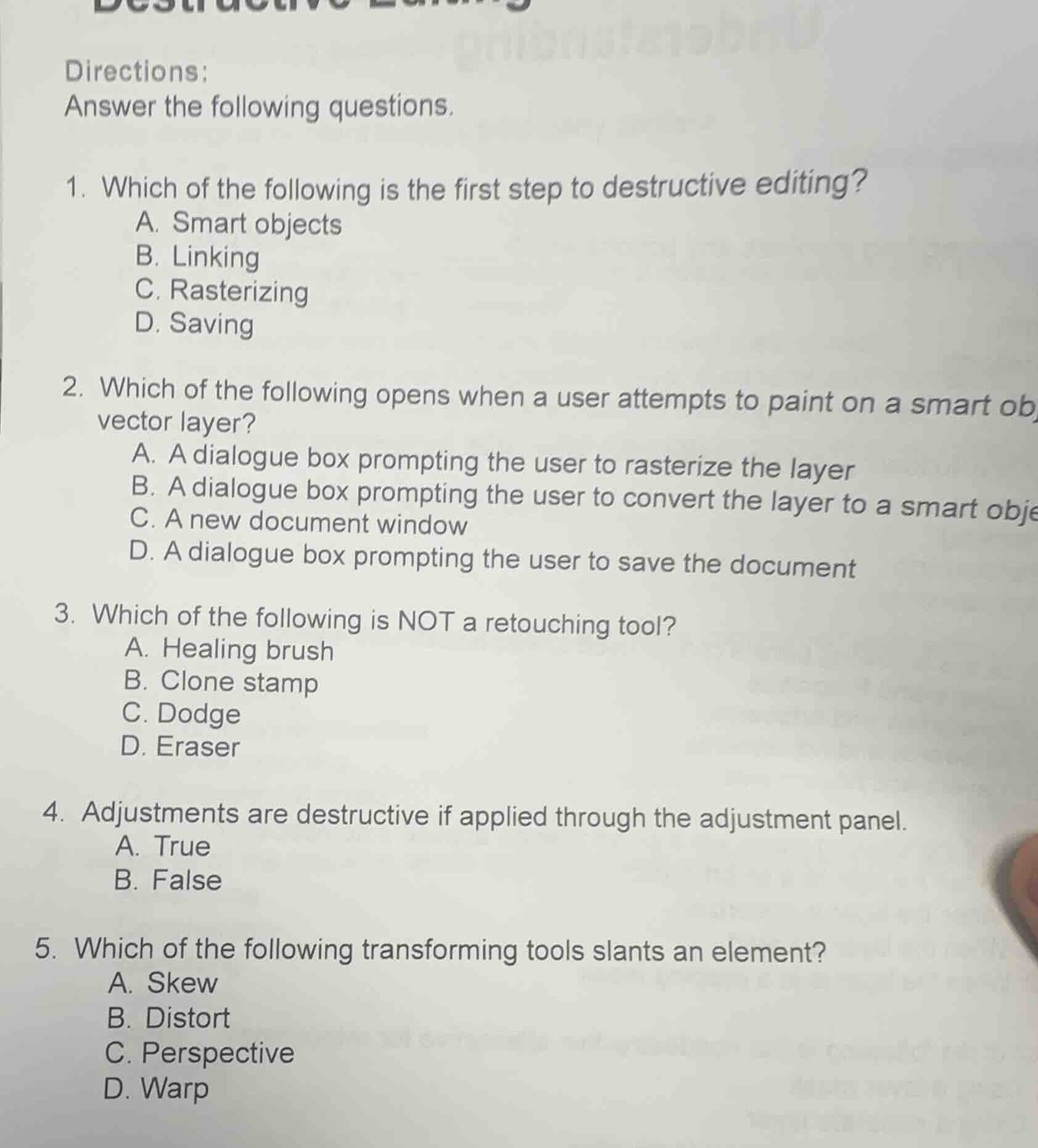
- which of the following is the first step to destructive editing?
a. smart objects
b. linking
c. rasterizing
d. saving
- which of the following opens when a user attempts to paint on a smart object/vector layer?
a. a dialogue box prompting the user to rasterize the layer
b. a dialogue box prompting the user to convert the layer to a smart object
c. a new document window
d. a dialogue box prompting the user to save the document
- which of the following is not a retouching tool?
a. healing brush
b. clone stamp
c. dodge
d. eraser
- adjustments are destructive if applied through the adjustment panel.
a. true
b. false
- which of the following transforming tools slants an element?
a. skew
b. distort
c. perspective
d. warp
Brief Explanations
- Destructive editing modifies the original pixel data; rasterizing converts non-pixel layers to editable pixels, which is the first step.
- Smart/vector layers are non-destructive; painting on them triggers a prompt to rasterize the layer first.
- Retouching tools fix/improve image details; the eraser only removes pixels, not retouches.
- Adjustment panel creates non-destructive adjustment layers, not permanent edits.
- The Skew tool specifically slants an element along one axis, unlike other transform tools.

Snap & solve any problem in the app
Get step-by-step solutions on Sovi AI
Photo-based solutions with guided steps
Explore more problems and detailed explanations
- C. Rasterizing
- A. A dialogue box prompting the user to rasterize the layer
- D. Eraser
- B. False
- A. Skew