QUESTION IMAGE
Question
identifying features that can be used to fix image issues
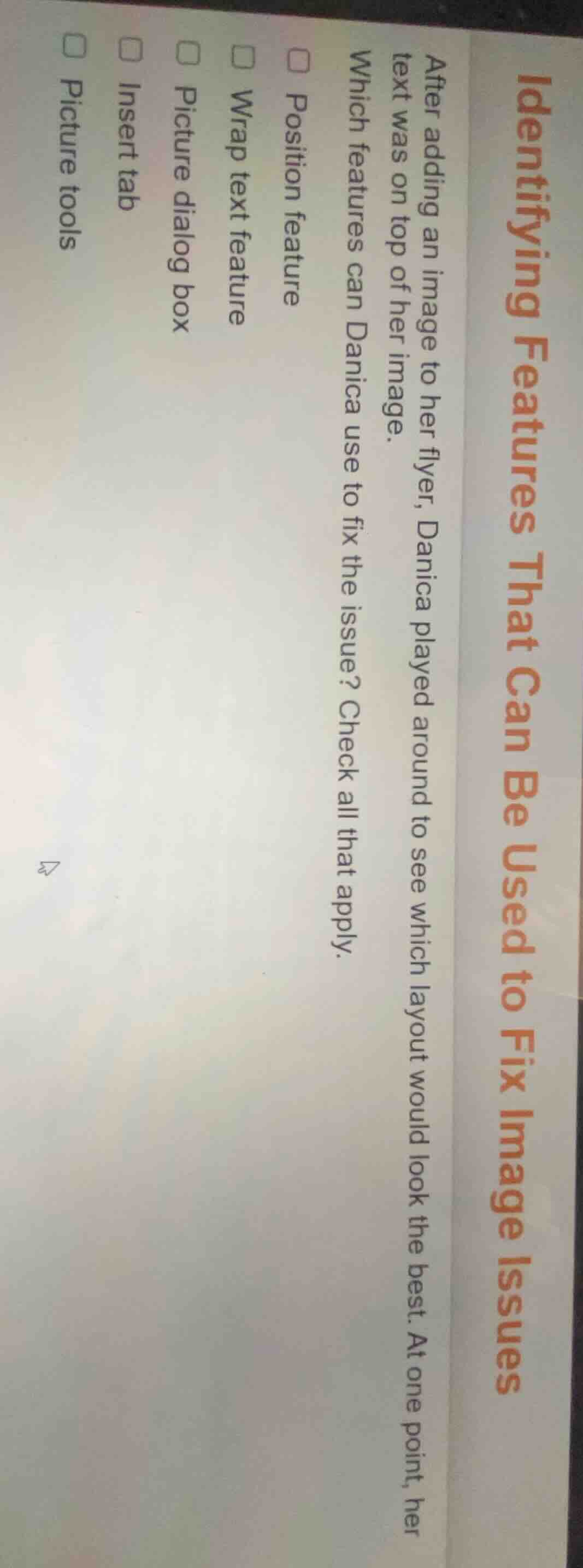
after adding an image to her flyer, danica played around to see which layout would look the best. at one point, her text was on top of her image.
which features can danica use to fix the issue? check all that apply.
□ position feature
□ wrap text feature
□ picture dialog box
□ insert tab
□ picture tools
Brief Explanations
- The Position feature lets you adjust the image's layer relative to text, fixing overlap.
- The Wrap text feature controls how text flows around an image, eliminating the "text on top" issue.
- The Picture dialog box includes layout and text wrapping settings to reorder image and text layers.
- The Insert tab only adds content, it does not fix existing layout overlap.
- Picture tools is a general tab; the specific tools within it (not the tab itself) resolve the issue, so it is not a correct standalone answer.

Snap & solve any problem in the app
Get step-by-step solutions on Sovi AI
Photo-based solutions with guided steps
Explore more problems and detailed explanations
☑ Position feature
☑ Wrap text feature
☑ Picture dialog box