QUESTION IMAGE
Question
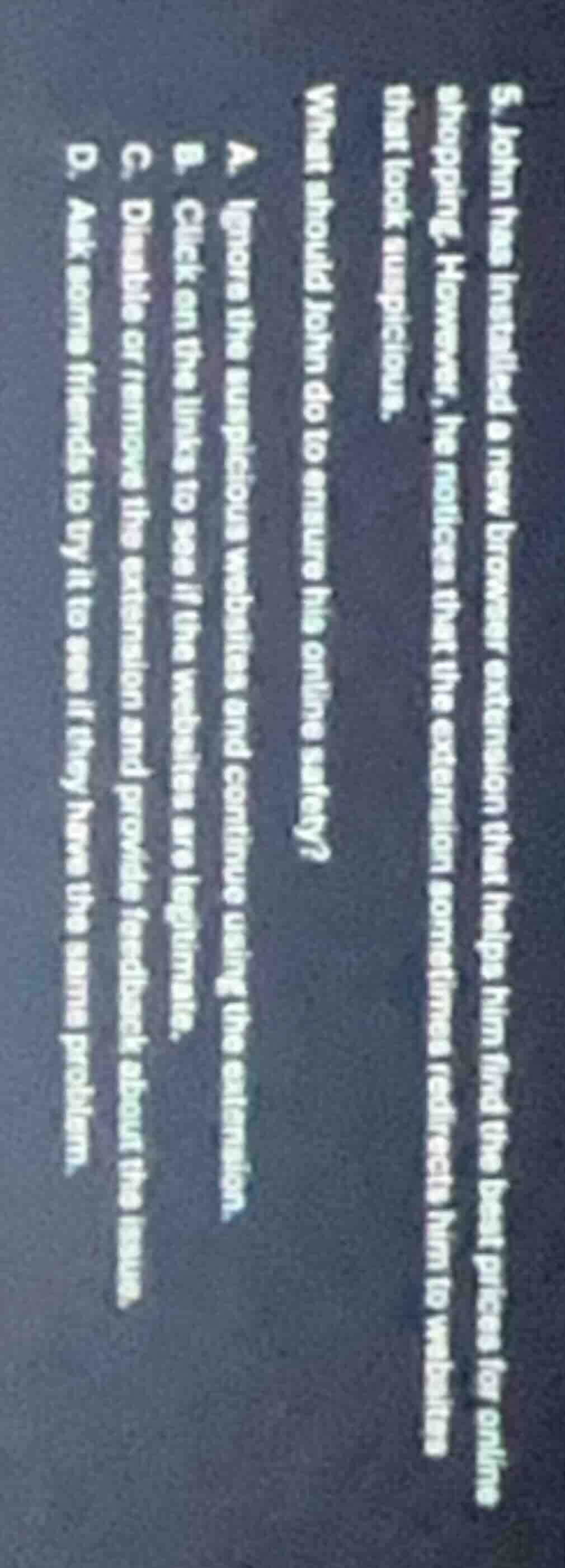
- john has installed a new browser extension that helps him find the best prices for online shopping. however, he notices that the extension sometimes redirects him to websites that look suspicious. what should john do to ensure his online safety? a. ignore the suspicious websites and continue using the extension. b. click on the links to see if the websites are legitimate. c. disable or remove the extension and provide feedback about the issue. d. ask some friends to try it to see if they have the same problem.
Brief Explanations
To ensure online safety, suspicious redirects from a browser extension pose a risk of malware, phishing, or data theft. Ignoring the issue (A) or clicking suspicious links (B) increases vulnerability. Asking friends (D) is not a direct, safe solution. Disabling/removing the extension and reporting the issue is the most secure step to stop risky redirects.

Snap & solve any problem in the app
Get step-by-step solutions on Sovi AI
Photo-based solutions with guided steps
Explore more problems and detailed explanations
C. Disable or remove the extension and provide feedback about the issue.