QUESTION IMAGE
Question
- match the tool to its description.
used to draw straight lines or curved paths
used to modify the type of anchor on a path
used to decrease the number of anchors on a path
used to increase the number of anchors on a path
simplify pen tool anchor point tool add anchor point tool
- match the tool to its description.
allows you to draw rectangular shapes (vector and pixel - based) and paths (shape outlines)
lets you create ellipses and circles in your artwork
draws a triangle
draws stars
draws lines and shapes
polygon tool pen tool rectangle tool star tool ellipse tool
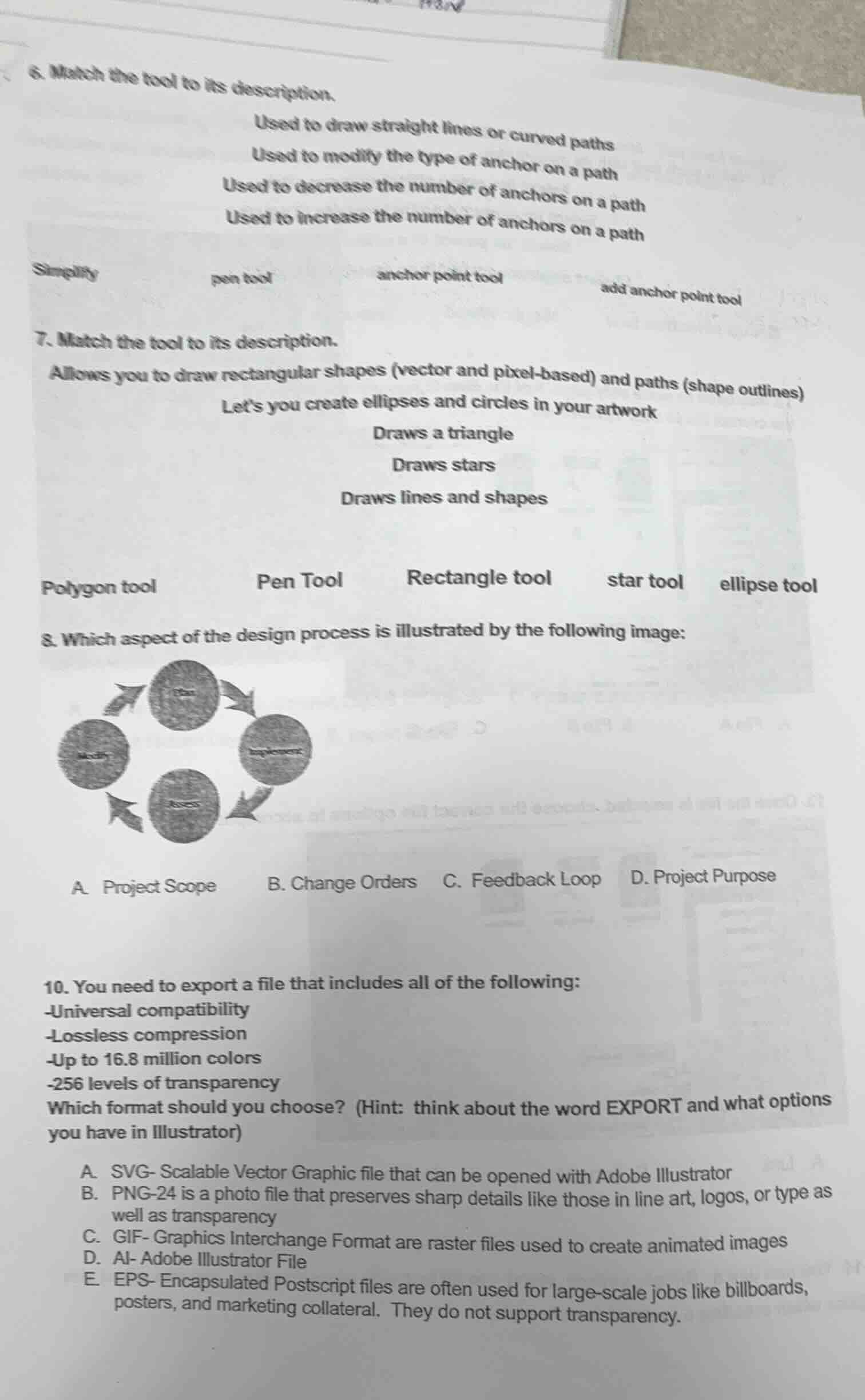
- which aspect of the design process is illustrated by the following image:
image of a circular process with arrows
a. project scope b. change orders c. feedback loop d. project purpose
- you need to export a file that includes all of the following:
-universal compatibility
-lossless compression
-up to 16.8 million colors
-256 levels of transparency
which format should you choose? (hint: think about the word export and what options you have in illustrator)
a. svg - scalable vector graphic file that can be opened with adobe illustrator
b. png - 24 is a photo file that preserves sharp details like those in line art, logos, or type as well as transparency
c. gif - graphics interchange format are raster files used to create animated images
d. ai - adobe illustrator file
e. eps - encapsulated postscript files are often used for large - scale jobs like billboards, posters, and marketing collateral. they do not support transparency.
Question 6
- Pen tool: Used to draw straight lines or curved paths (creates paths with anchors).
- Anchor point tool: Used to modify the type of anchor on a path (changes anchor properties like corner to smooth).
- Simplify: Used to decrease the number of anchors on a path (reduces anchor count for simpler paths).
- Add anchor point tool: Used to increase the number of anchors on a path (adds anchors to a path).
- Rectangle tool: Allows drawing rectangular shapes (vector, pixel - based) and paths (shape outlines).
- Ellipse tool: Lets you create ellipses and circles in artwork.
- Polygon tool: Draws a triangle (and other polygons, triangle is a 3 - sided polygon).
- Star tool: Draws stars.
- Pen Tool: Draws lines and shapes (creates custom paths for lines and shapes).
A feedback loop in the design process involves a cycle of creating, assessing, modifying, and re - implementing (or re - evaluating). The image shows a circular process with “Plan,” “Implement,” “Assess,” “Modify,” which is characteristic of a feedback loop. Project scope defines the work to be done, change orders are for project changes, and project purpose is the goal of the project, none of which match the circular process shown.

Snap & solve any problem in the app
Get step-by-step solutions on Sovi AI
Photo-based solutions with guided steps
Explore more problems and detailed explanations
- Used to draw straight lines or curved paths: pen tool
- Used to modify the type of anchor on a path: anchor point tool
- Used to decrease the number of anchors on a path: Simplify
- Used to increase the number of anchors on a path: add anchor point tool