QUESTION IMAGE
Question
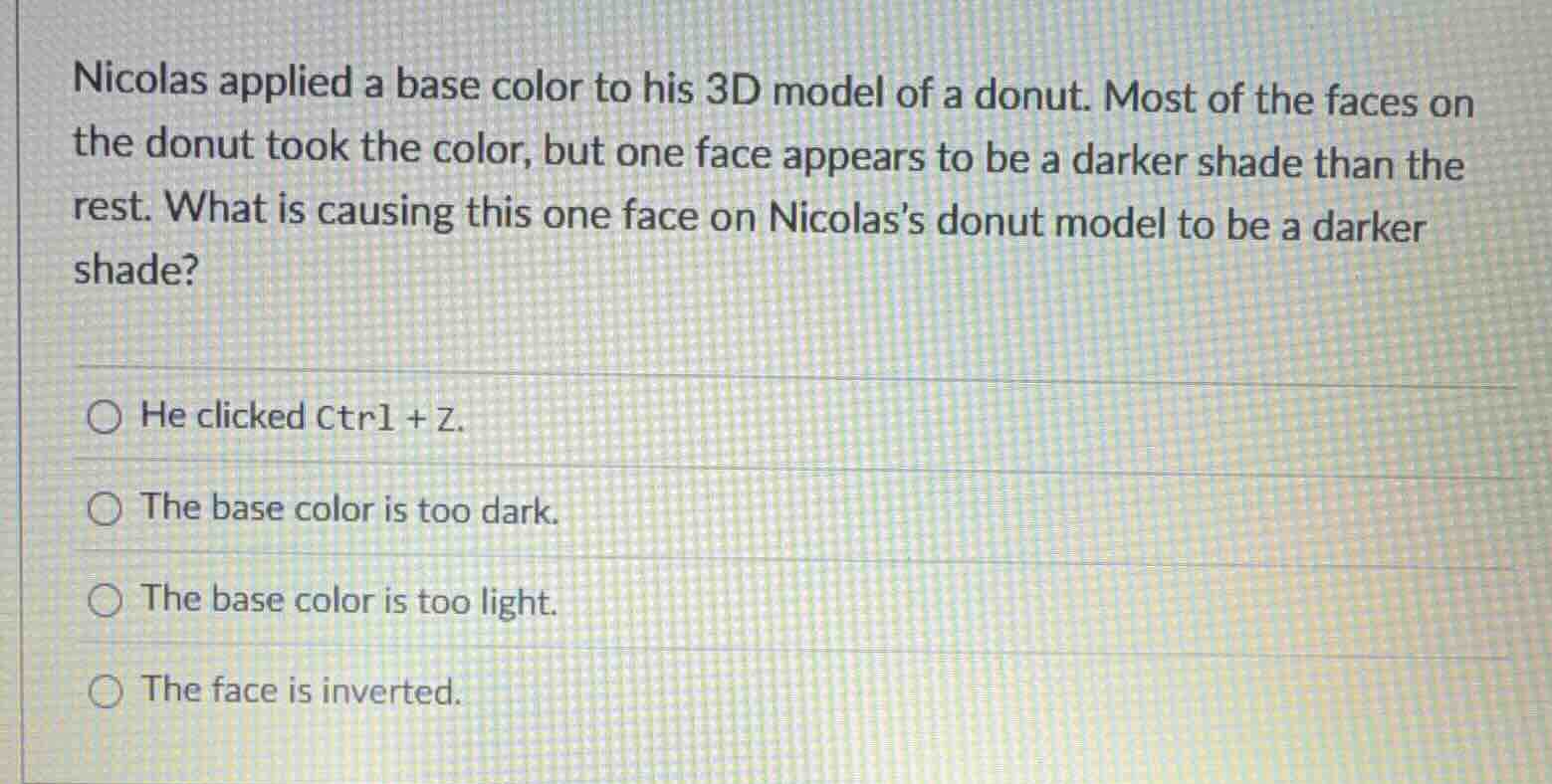
nicolas applied a base color to his 3d model of a donut. most of the faces on the donut took the color, but one face appears to be a darker shade than the rest. what is causing this one face on nicolas’s donut model to be a darker shade?
he clicked ctrl + z.
the base color is too dark.
the base color is too light.
the face is inverted.
In 3D modeling, each face has a front and back (normal direction). When a face is inverted, its normal points away from the light source, making it appear darker since it doesn't receive light the same way as the correctly oriented faces. The other options don't fit: Ctrl+Z undoes actions, base color brightness would affect all faces equally.

Snap & solve any problem in the app
Get step-by-step solutions on Sovi AI
Photo-based solutions with guided steps
Explore more problems and detailed explanations
The face is inverted.