QUESTION IMAGE
Question
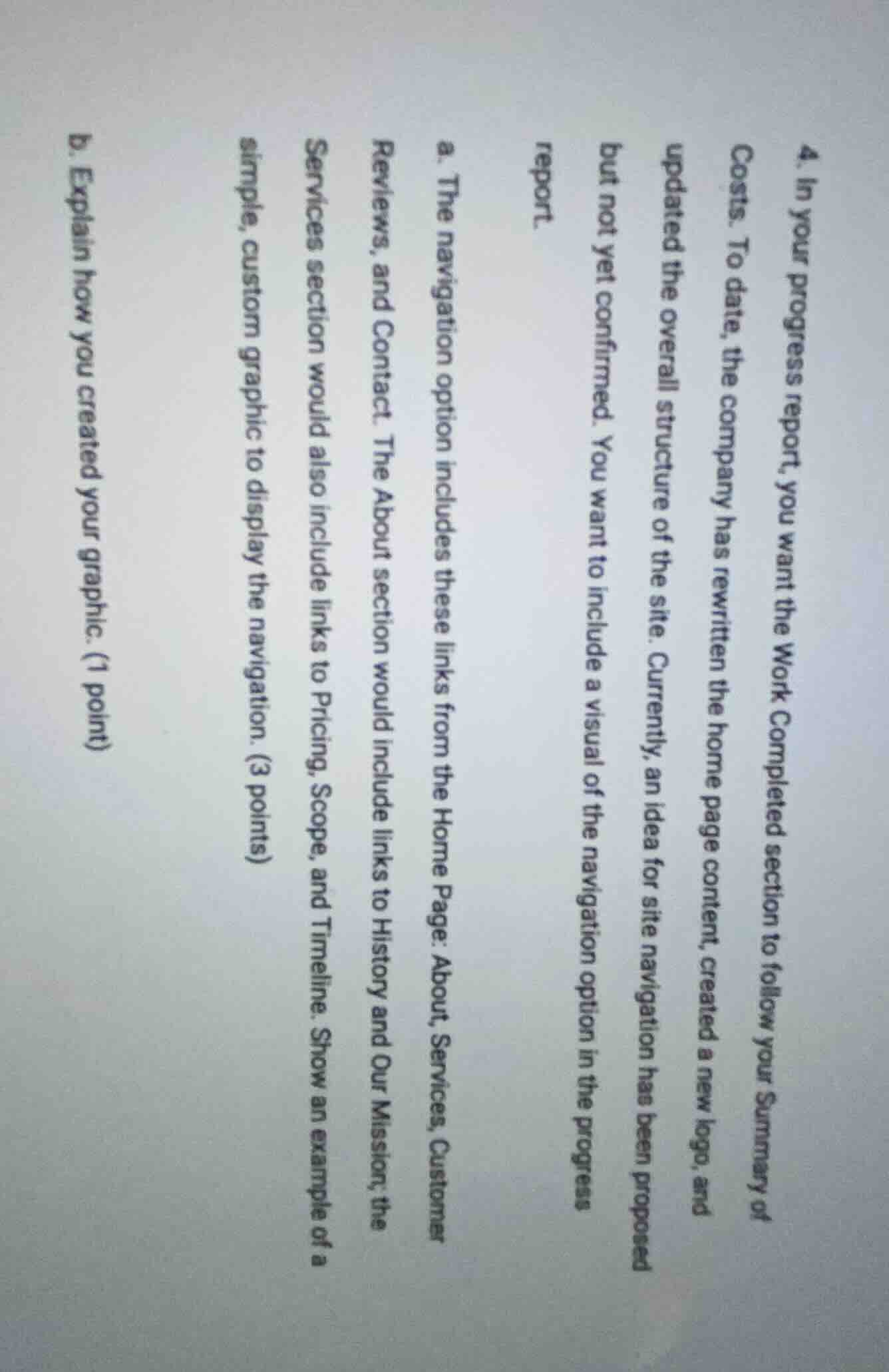
- in your progress report, you want the work completed section to follow your summary of costs. to date, the company has rewritten the home page content, created a new logo, and updated the overall structure of the site. currently, an idea for site navigation has been proposed but not yet confirmed. you want to include a visual of the navigation option in the progress report.
a. the navigation option includes these links from the home page: about, services, customer reviews, and contact. the about section would include links to history and our mission; the services section would also include links to pricing, scope, and timeline. show an example of a simple, custom graphic to display the navigation. (3 points)
b. explain how you created your graphic. (1 point)

Snap & solve any problem in the app
Get step-by-step solutions on Sovi AI
Photo-based solutions with guided steps
Explore more problems and detailed explanations
a.
graph TD
    A[Home Page] --> B[About]
    A[Home Page] --> C[Services]
    A[Home Page] --> D[Customer Reviews]
    A[Home Page] --> E[Contact]
    B --> F[History]
    B --> G[Our Mission]
    C --> H[Pricing]
    C --> I[Scope]
    C --> J[Timeline]
b. I used a markdown-based flowchart tool (Mermaid) to map out each navigation level, starting with the home page as the root, then branching to main sections, and finally adding sub-links under relevant sections.