QUESTION IMAGE
Question
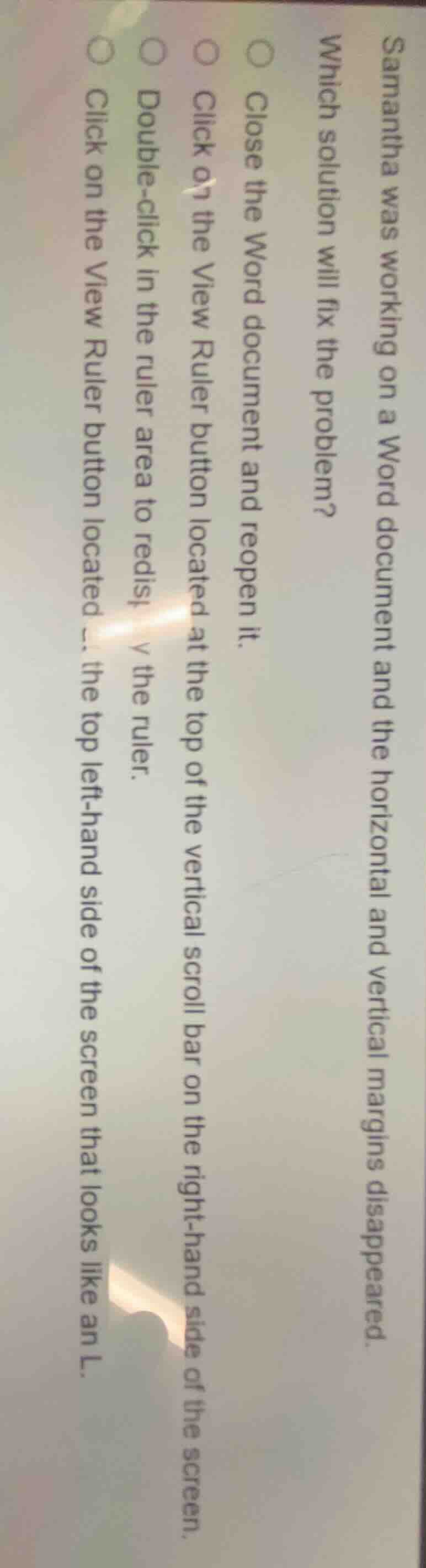
samantha was working on a word document and the horizontal and vertical margins disappeared.
which solution will fix the problem?
○ close the word document and reopen it.
○ click on the view ruler button located at the top of the vertical scroll bar on the right-hand side of the screen.
○ double-click in the ruler area to redisplay the ruler.
○ click on the view ruler button located ... the top left-hand side of the screen that looks like an l.
The horizontal and vertical margins in Word are tied to the ruler display. The dedicated View Ruler button (shaped like an "L") at the top-left of the screen toggles the ruler (and associated margins) on/off, which is the direct fix. Reopening the document is unnecessary, the vertical scroll bar's ruler button does not control both margins, and double-clicking the ruler area does not restore hidden margins.

Snap & solve any problem in the app
Get step-by-step solutions on Sovi AI
Photo-based solutions with guided steps
Explore more problems and detailed explanations
Click on the View Ruler button located at the top left-hand side of the screen that looks like an L.