QUESTION IMAGE
Question
the smithsonian
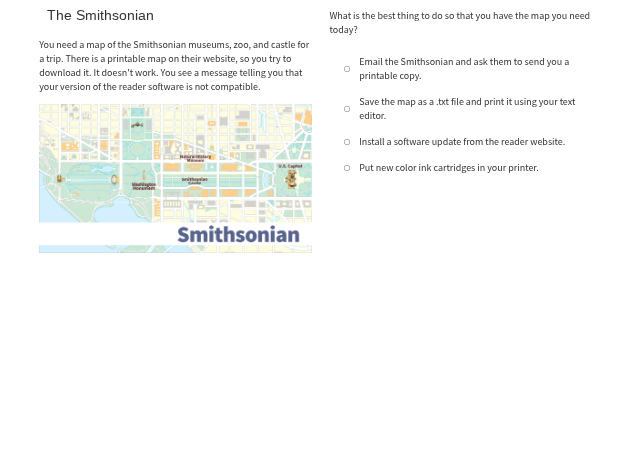
you need a map of the smithsonian museums, zoo, and castle for
a trip. there is a printable map on their website, so you try to
download it. it doesn’t work. you see a message telling you that
your version of the reader software is not compatible.
what is the best thing to do so that you have the map you need
today?
- email the smithsonian and ask them to send you a
printable copy.
- save the map as a .txt file and print it using your text
editor.
- install a software update from the reader website.
- put new color ink cartridges in your printer.
The problem is about resolving a software compatibility issue to access a map. The issue is with the reader software version, so installing a software update from the reader's website (the third option) is the logical step to fix compatibility and get the map. Emailing for a copy might take time, saving as a text file won't preserve the map's format, and ink cartridges don't solve software compatibility.

Snap & solve any problem in the app
Get step-by-step solutions on Sovi AI
Photo-based solutions with guided steps
Explore more problems and detailed explanations
C. Install a software update from the reader website.