QUESTION IMAGE
Question
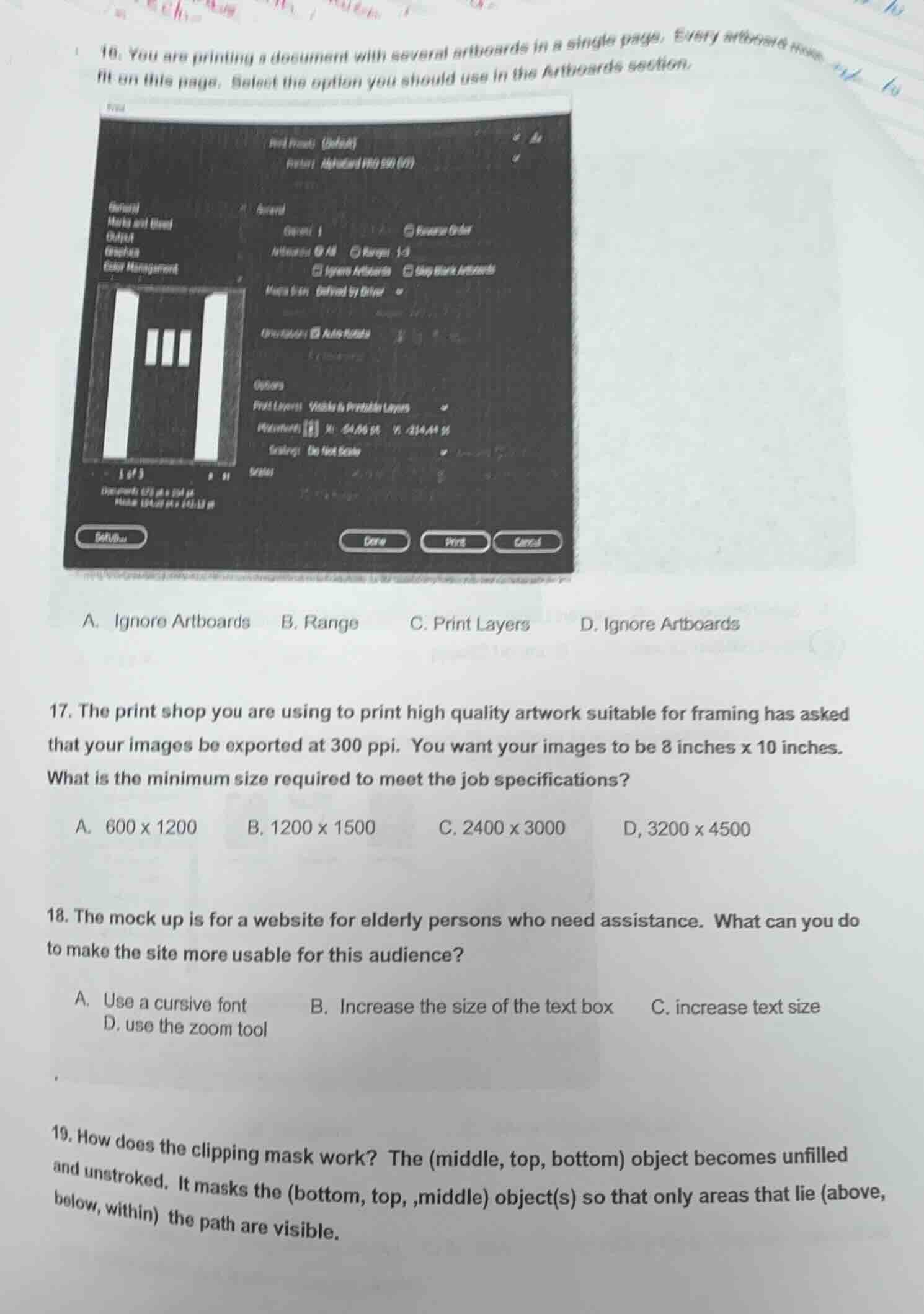
- you are printing a document with several artboards in a single page. every artboard must fit on this page. select the option you should use in the artboards section. a. ignore artboards b. range c. print layers d. ignore artboards 17. the print shop you are using to print high quality artwork suitable for framing has asked that your images be exported at 300 ppi. you want your images to be 8 inches x 10 inches. what is the minimum size required to meet the job specifications? a. 600 x 1200 b. 1200 x 1500 c. 2400 x 3000 d, 3200 x 4500 18. the mock up is for a website for elderly persons who need assistance. what can you do to make the site more usable for this audience? a. use a cursive font b. increase the size of the text box c. increase text size d. use the zoom tool 19. how does the clipping mask work? the (middle, top, bottom) object becomes unfilled and unstroked. it masks the (bottom, top,,middle) object(s) so that only areas that lie (above, below, within) the path are visible.
Question 16
To print multiple artboards on a single page so they fit, the "Ignore Artboards" option (note: likely a typo in options, but the correct option for fitting artboards on one page is the one that ignores artboard boundaries to arrange them. Assuming option A or D (both labeled Ignore Artboards, maybe a typo) is correct, but typically in print settings, "Ignore Artboards" allows artboards to be arranged on the page.
Step1: Recall the formula for image size (pixels) = dimensions (inches) × ppi.
For width: \( 8 \text{ inches} \times 300 \text{ ppi} = 2400 \text{ pixels} \)
Step2: Calculate height: \( 10 \text{ inches} \times 300 \text{ ppi} = 3000 \text{ pixels} \)
Elderly users often have visual challenges. Increasing text size (option C) directly improves readability. Cursive font (A) is harder to read, increasing text box size (B) doesn't help readability, and zoom tool (D) is a temporary fix, not a design choice for usability.

Snap & solve any problem in the app
Get step-by-step solutions on Sovi AI
Photo-based solutions with guided steps
Explore more problems and detailed explanations
A. Ignore Artboards (or D if it's a duplicate, but based on typical settings, A is the choice for fitting artboards on a single page)