QUESTION IMAGE
Question
drag each label to the correct location on the table
identify the dos and donts of secure online interactions.
write your password down on
a sticky note attached to your screen. use a long password
with mixed characters.
use antivirus and spyware protection. go through the terms and conditions
and privacy policies of social networking
and other websites you access.
retain cookies every
time you visit a website. share your password
with your friends. keep yourself logged in
when you leave your computer.
do ✓ \t\tdont ✗
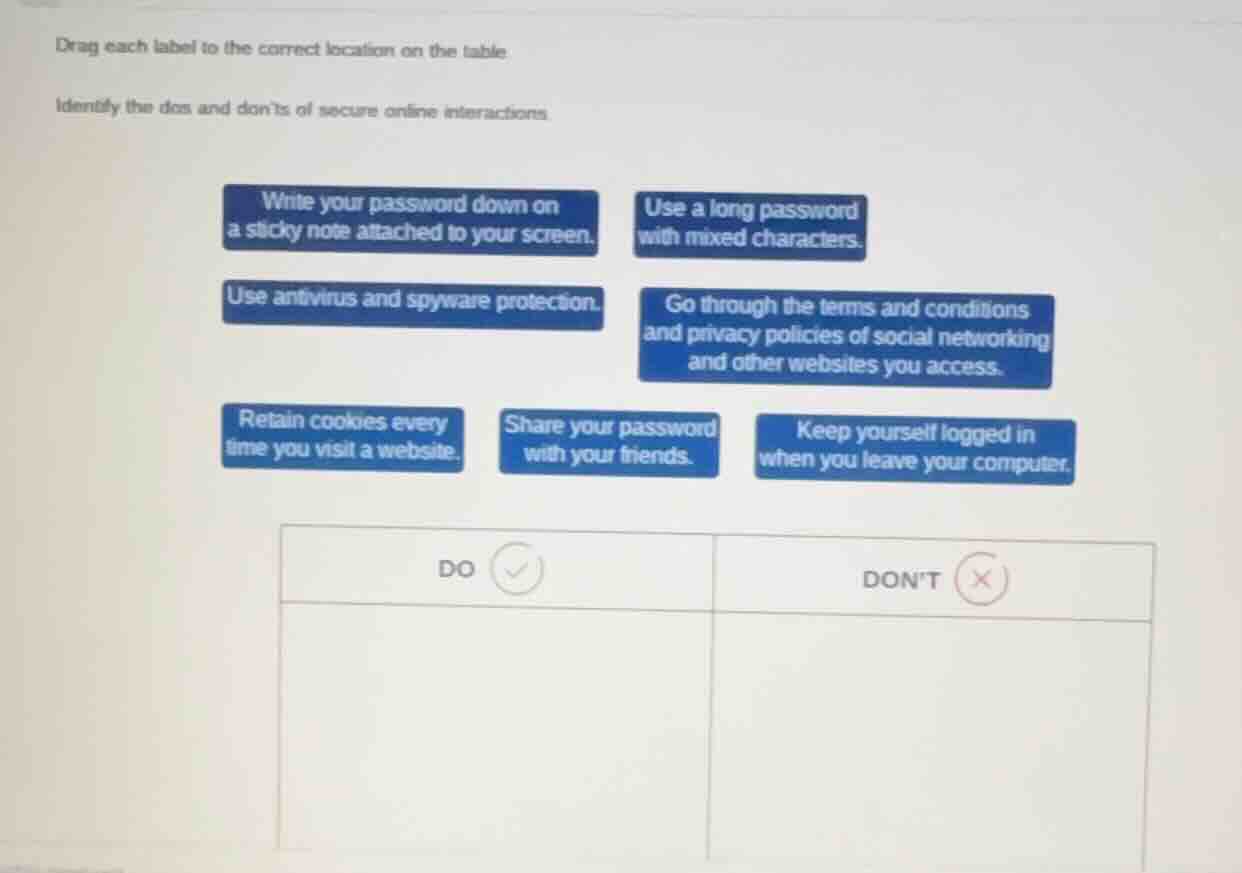
To determine the dos and don'ts of secure online interactions, we analyze each action:
- DO (Secure Practices):
- "Use a long password with mixed characters": Long, mixed - character passwords are more secure as they are harder to guess or crack.
- "Use antivirus and spyware protection": Antivirus and spyware protection software helps detect and remove malicious software, protecting the system from online threats.
- "Go through the terms and conditions and privacy policies of social networking and other websites you access": Reading these helps users understand how their data is used and what security measures the website has, enabling them to make informed decisions about their online presence.
- DON'T (Insecure Practices):
- "Write your password down on a sticky note attached to your screen": This makes the password easily accessible to anyone who can see the screen, compromising security.
- "Retain cookies every time you visit a website": Retaining cookies can be a security risk as cookies can be used to track user activity and in some cases, contain sensitive information that can be exploited.
- "Share your password with your friends": Sharing passwords increases the risk of unauthorized access to the account as the friend may not have the same level of security awareness or may accidentally disclose the password.
- "Keep yourself logged in when you leave your computer": If someone gains access to the unattended computer, they can access the logged - in accounts, leading to a security breach.

Snap & solve any problem in the app
Get step-by-step solutions on Sovi AI
Photo-based solutions with guided steps
Explore more problems and detailed explanations
DO
- Use a long password with mixed characters.
- Use antivirus and spyware protection.
- Go through the terms and conditions and privacy policies of social networking and other websites you access.
DON'T
- Write your password down on a sticky note attached to your screen.
- Retain cookies every time you visit a website.
- Share your password with your friends.
- Keep yourself logged in when you leave your computer.