QUESTION IMAGE
Question
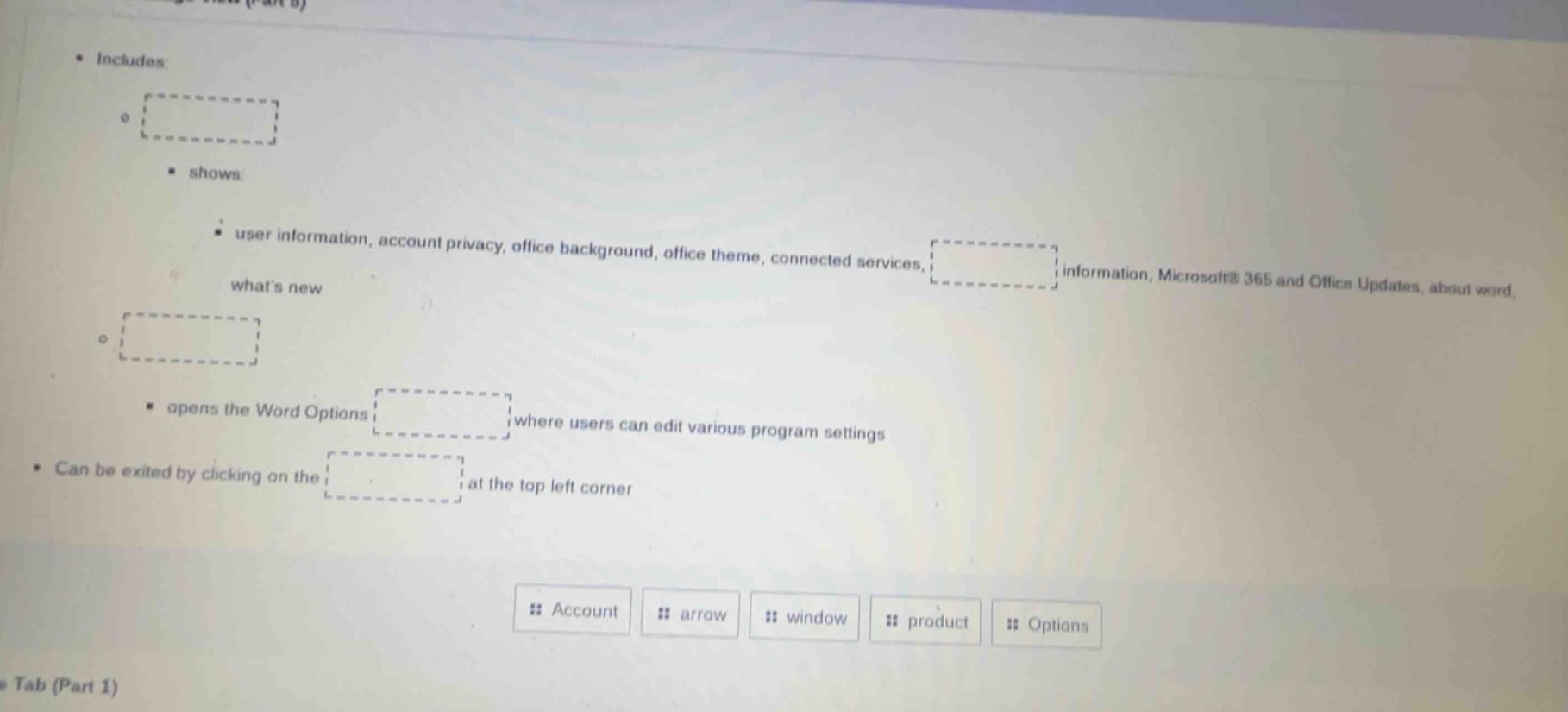
- includes:
◦
- shows:
- user information, account privacy, office background, office theme, connected services, whats new
◦
- opens the word options where users can edit various program settings
- can be exited by clicking on the at the top left corner
account arrow window product options
Brief Explanations
- The first blank refers to the section that shows user account-related details like privacy, updates, etc., which is the Account section.
- The second blank is the specific area within Account that holds update and additional app info, which is the Product information area.
- The third blank is the button that opens Word Options, which is the Options button.
- The fourth blank is the element to exit this view, which is the arrow (back arrow) at the top left.

Snap & solve any problem in the app
Get step-by-step solutions on Sovi AI
Photo-based solutions with guided steps
Explore more problems and detailed explanations
- First blank: :: Account
- Second blank: :: product
- Third blank: :: Options
- Fourth blank: :: arrow