QUESTION IMAGE
Question
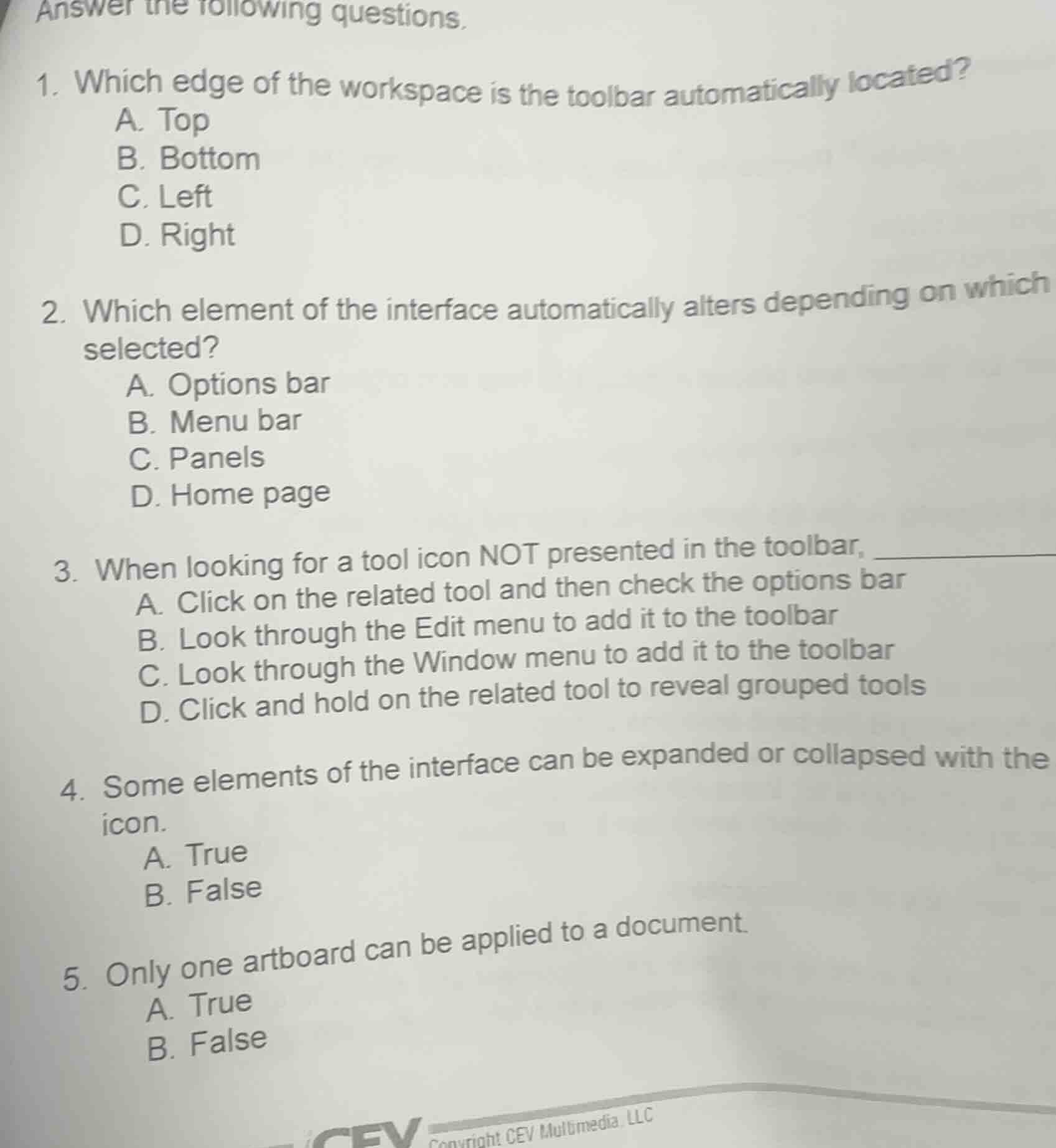
answer the following questions.
- which edge of the workspace is the toolbar automatically located?
a. top
b. bottom
c. left
d. right
- which element of the interface automatically alters depending on which selected?
a. options bar
b. menu bar
c. panels
d. home page
- when looking for a tool icon not presented in the toolbar, ____________
a. click on the related tool and then check the options bar
b. look through the edit menu to add it to the toolbar
c. look through the window menu to add it to the toolbar
d. click and hold on the related tool to reveal grouped tools
- some elements of the interface can be expanded or collapsed with the icon.
a. true
b. false
- only one artboard can be applied to a document.
a. true
b. false
copyright cev multimedia, llc
Brief Explanations
- Standard software interfaces place toolbars at the top by default.
- The options bar changes to match the selected tool/element.
- Hidden tools in a toolbar are revealed by clicking/holding related tools.
- Interface elements like panels use collapse/expand icons.
- Most design software supports multiple artboards per document.

Snap & solve any problem in the app
Get step-by-step solutions on Sovi AI
Photo-based solutions with guided steps
Explore more problems and detailed explanations
- A. Top
- A. Options bar
- D. Click and hold on the related tool to reveal grouped tools
- A. True
- B. False